For Builders
Learn AI as a builder.
A structured course that teaches AI fundamentals through tasks you already do: turning a described idea into a working prototype, connecting an AI assistant to your own tools and data, working across a real codebase, and calling its API directly.
What is AI?
An AI assistant is a tool built on a large language model. For a builder, working with a good one is less like using a chatbot and more like having a collaborator who can read your whole codebase, spin up a working prototype in the same conversation, and call its own API without you writing connection code first. That matters for the way builders actually work: moving between a rough idea, a real implementation, and the tools and data that implementation depends on, often in the same session. AI Learning teaches you how to work this way through real builder tasks: turning an idea into a working prototype, connecting an AI assistant to your own tools and data, working across a real codebase, and calling its API directly.
What builders use AI for
- 01
Turning a described idea into a working prototype
Ask an AI assistant for a tool, dashboard, or interactive mockup and, with a tool like Claude's Artifacts, it opens as something you can click and test, not just a code block to paste somewhere else first. Refine it by saying what's wrong in plain language instead of rewriting the code yourself.
“Build a simple interactive tool as an Artifact: a form with three number inputs (hours worked, hourly rate, tax percentage) that calculates and displays take-home pay live as I type. Plain React, no external libraries.”
- Test an idea before building it
- Skip the copy-paste round trip
- Iterate by describing, not rewriting
- 02
Choosing where to work: a chat, a Project, or an AI coding tool
A quick one-off question fits a plain chat. A task that needs your codebase's context across many sessions fits a persistent project or a dedicated AI coding tool like Claude Code instead. Picking correctly the first time avoids re-explaining context you already gave it yesterday.
“I'm debugging a recurring race condition across three files in my Node service. Should I paste the relevant files into a new chat, set up a project with the whole repo, or use an AI coding tool directly in my terminal? Recommend one and explain what I'd lose with each of the other two.”
- Match the tool to the task
- Stop re-explaining old context
- Avoid the wrong setup upfront
- 03
Connecting an AI assistant to your own tools and data with MCP
MCP, an open standard now supported by several AI assistants, lets one read from or act on systems you specify, a database, a ticketing system, your own internal API, instead of you manually pasting exports into the chat every time. You describe what should be connected once; it uses that for the rest of the conversation.
“I want my AI assistant to look up open tickets in our internal issue tracker while we talk. Walk me through what an MCP server for this would need to expose, at minimum, to answer 'what's blocking release 4.2' accurately.”
- Skip manual data exports
- Ground answers in live systems
- Set up once, reuse often
- 04
Working across a real codebase with an AI coding tool
Instead of pasting individual files into a chat, a terminal-based AI coding tool like Claude Code operates directly in your project with access to your actual files: reading, editing, and running commands across multiple files in one task. You describe the outcome; it handles the file-by-file mechanics.
“Find every place in this repo that calls the old formatCurrency helper, replace it with the new formatMoney utility, and run the test suite to confirm nothing broke.”
- Change many files at once
- Skip manual file hunting
- Verify changes before you commit
- 05
Calling an AI provider's API directly, including from inside a generated Artifact
For workflows that need an AI assistant's reasoning as part of a larger program, not a one-off chat reply, calling the API directly, or from inside a generated Artifact without managing your own key, lets you chain requests or drive a small agentic process. Start with one clear task per call, then compose from there.
“Design a two-step API workflow: the first call extracts structured line items from a pasted invoice as JSON, the second call flags any line item over $500 for manual review. Show me the request shape for each step.”
- Chain requests into a workflow
- Automate beyond one-off replies
- Start simple, compose from there
How you'll learn
AI Learning walks you through the fundamentals step by step, with structured lessons, practice quizzes, and a progress tracker so you always know where you stand.
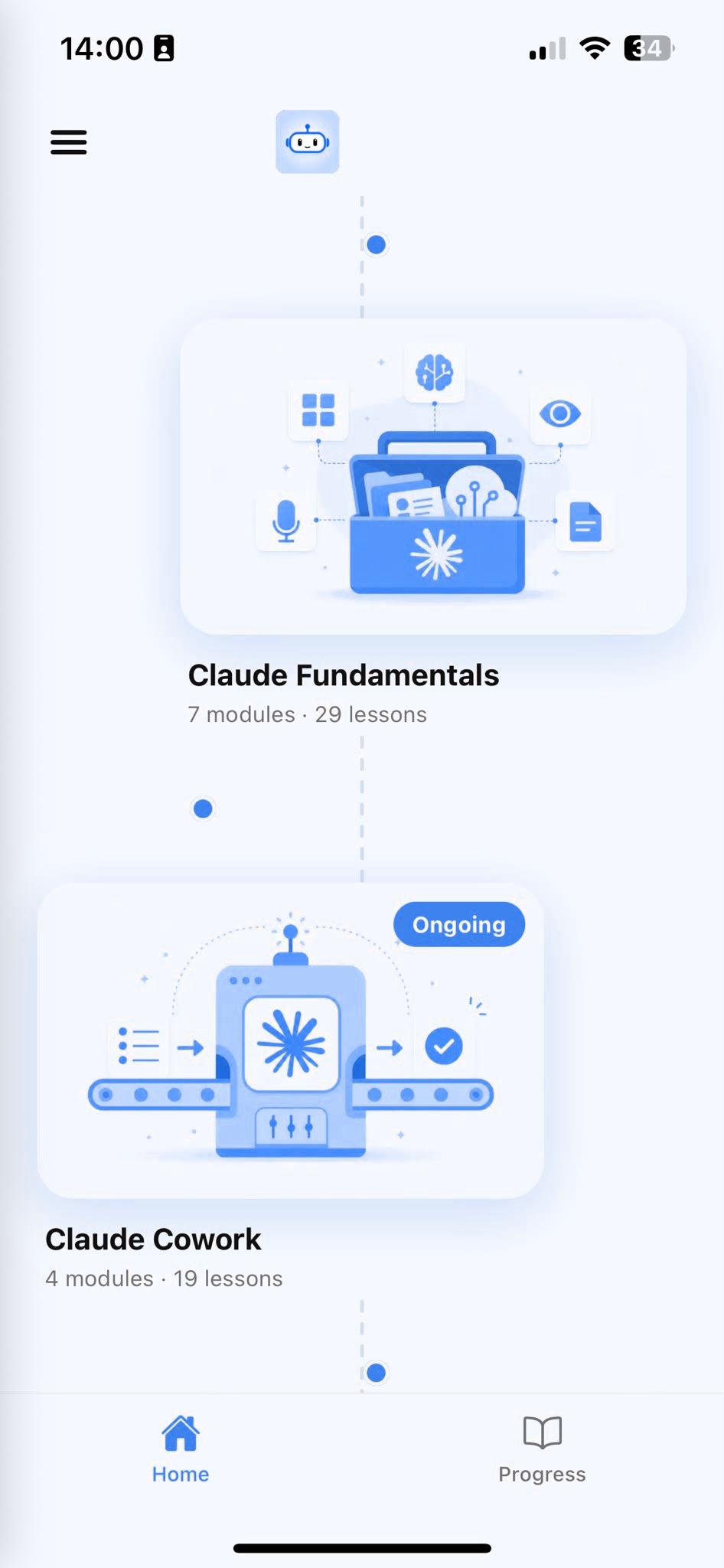
Browse Courses
Choose what to learn from a structured library of AI lessons.
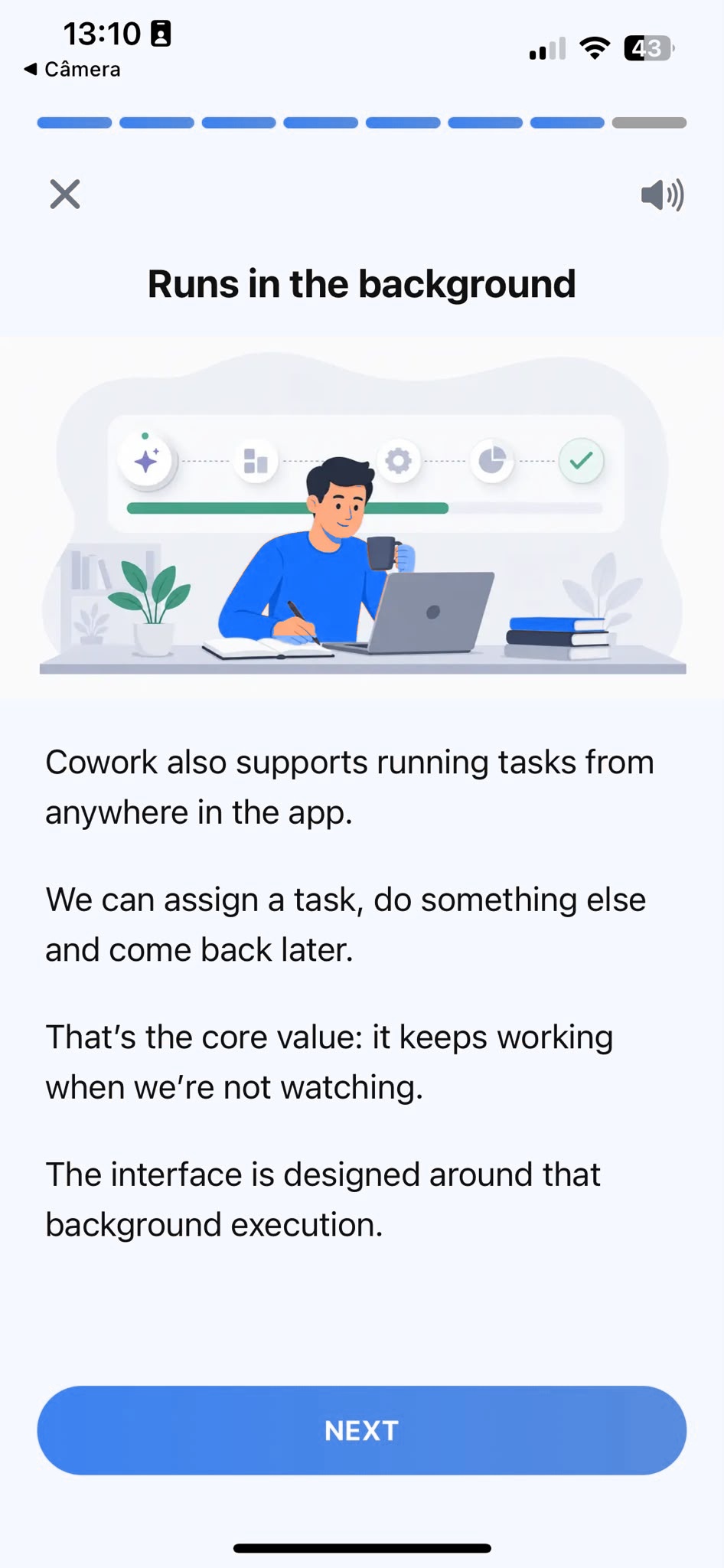
Learn
Short, focused lessons that build from fundamentals to real-world tasks.
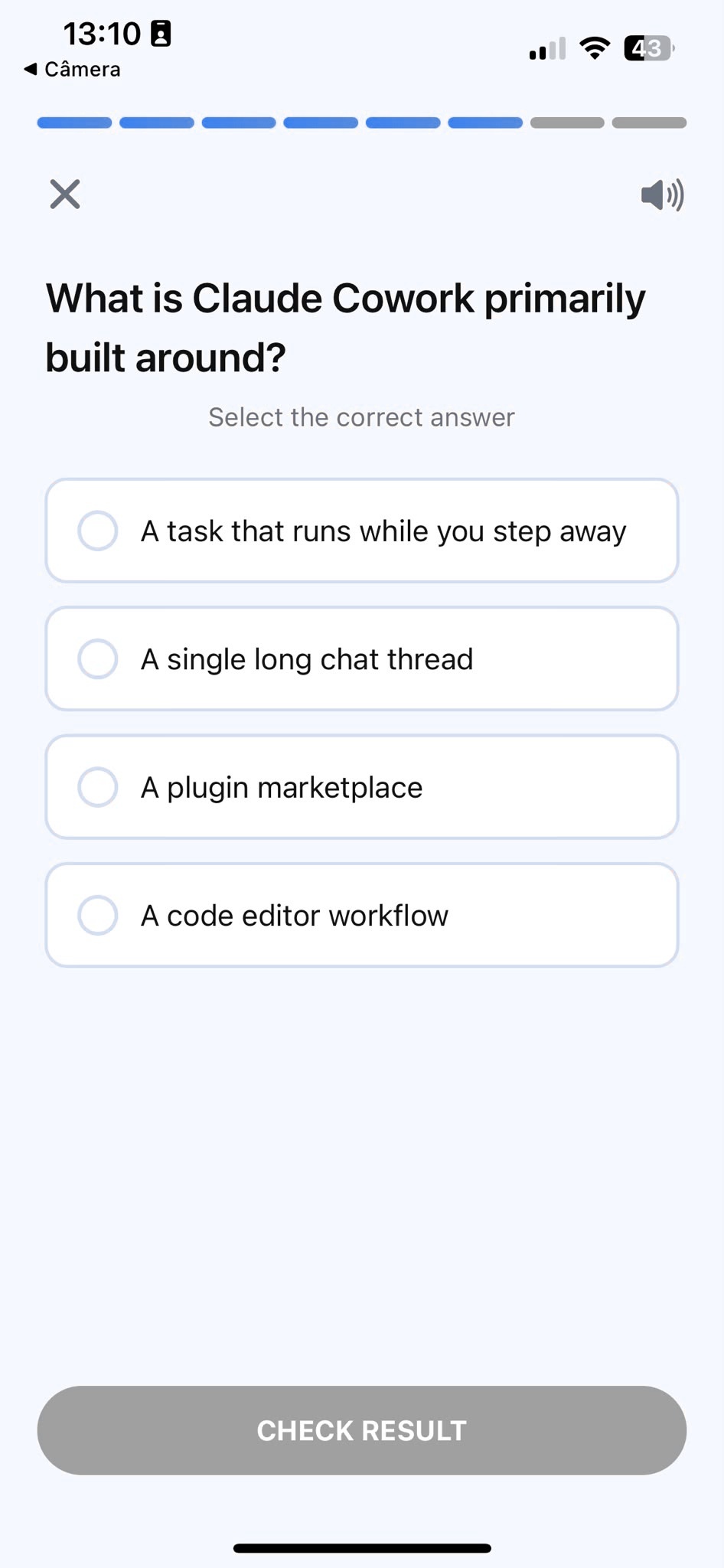
Quiz
Test your understanding right after each lesson, not at the end.
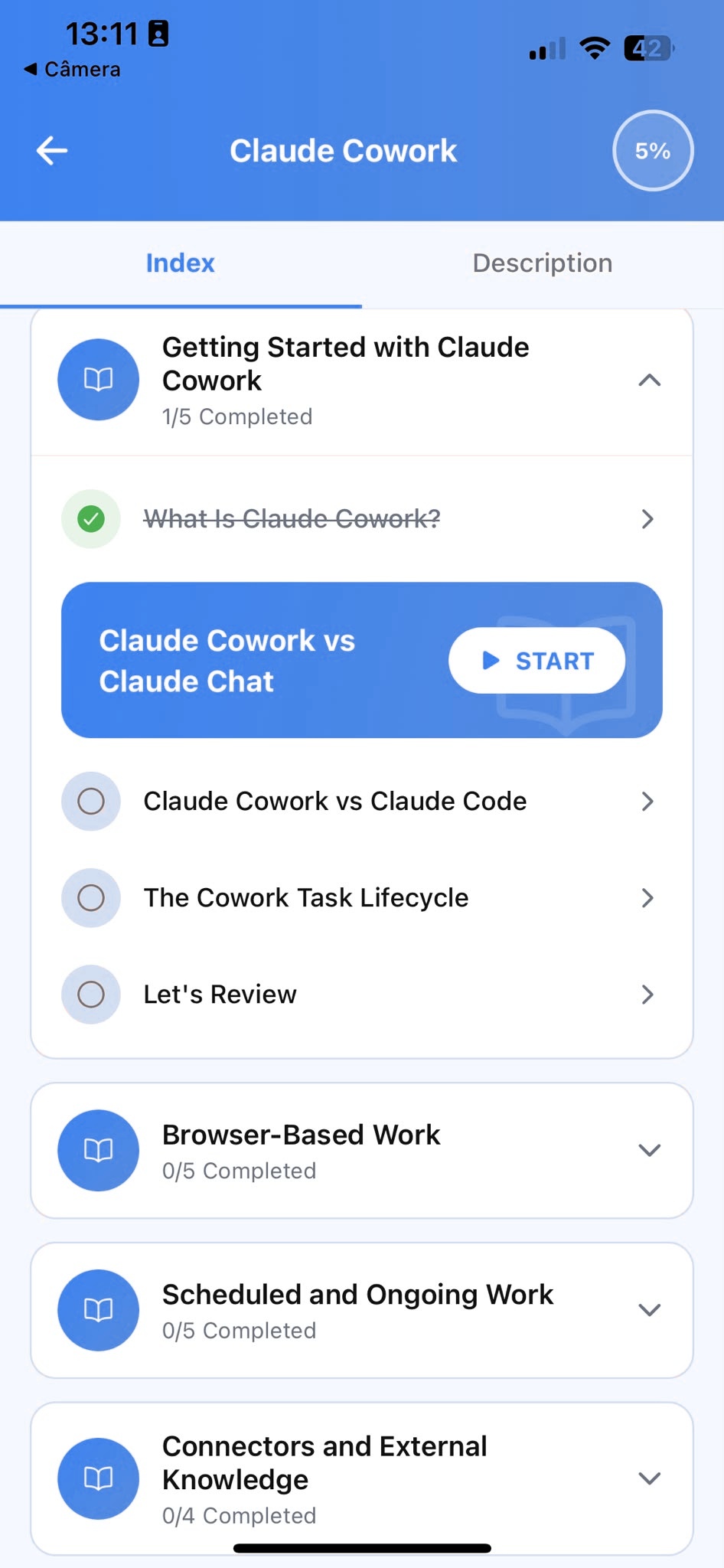
Track Progress
Pick up exactly where you left off, on any device, at any time.
Related articles
- Builders7 min read
What Are Claude Artifacts? A Practical Introduction
What Claude Artifacts actually are, how to build one from a plain-language prompt, and the privacy tradeoff most people miss before sharing a link.
Read article - Builders3 min read
Claude Code vs Projects vs Chat: Which Should You Use?
Pick the right Claude setup for a coding task: when Claude Code, a Project, or a plain chat actually wins, instead of defaulting to whatever's open.
Read article - Builders3 min read
How to Connect Claude to Your Data With MCP
Give Claude standing access to a real system with MCP, so you stop pasting exports into the chat every time you need an answer grounded in current data.
Read article - Builders2 min read
How to Make Multi-File Changes With Claude Code
How to describe a change once and let Claude Code apply it consistently across every affected file, instead of pasting files into a chat one by one.
Read article - Builders2 min read
How to Chain Claude API Calls Into a Workflow
Break an automated task into single-purpose Claude API calls that feed each other, instead of asking one prompt to do everything and debugging the mess.
Read article
Frequently Asked Questions
Do I need to be an experienced software engineer to start?
No. Prototyping with generated Artifacts and organizing your work in persistent projects don't require writing code yourself. AI coding tools and direct API calls do assume you're comfortable reading and running code, since those tools operate on a real codebase or a real request payload.
What's the difference between asking an AI assistant to write code and asking it to build an Artifact?
Asking for code gets you text you still have to copy, paste, and run yourself to see if it works. An Artifact (a feature some AI assistants offer) is that same output already running in its own panel, so you can click, type into, and test it immediately, then ask for changes in plain language instead of rewriting it by hand.
Will this teach me a specific programming language or framework?
No. AI Learning teaches AI fundamentals for builders broadly: prototyping, connecting tools and data, working across a codebase, and calling the API. Those skills apply whatever language or framework you already use.
How long does the course take to complete?
Most learners work through the core curriculum in two to four hours. The app is designed for short, focused sessions, so a single lesson takes around ten minutes.
Can I use a free plan while taking the course?
Yes. Everything taught in the course works with the free plan most AI assistants offer. A paid plan gives you more usage, but it isn't required to complete the lessons or apply what you learn.
Start learning AI
Download AI Learning and start turning your own ideas into working prototypes, connected tools, and real codebase changes.