For Product Managers
Learn AI as a product manager.
A structured course that teaches AI fundamentals through tasks you already do: sharpening PRDs, drafting new ones from a rough idea, turning user feedback into prioritized themes, writing roadmap prioritization docs, and writing release notes and stakeholder updates.
What is AI?
An AI assistant is a tool built on a large language model. Unlike a shared doc template or a basic chatbot, it can hold an entire feature's context in mind across a long conversation, remembering the problem statement, the edge case a reviewer flagged, and the tradeoff you ruled out two messages ago. That matters for product work, where a spec or roadmap rarely comes together in one pass. AI Learning teaches you how to work this way through real product management tasks: sharpening PRDs, drafting new ones from a rough idea, turning user feedback into prioritized themes, writing roadmap prioritization docs, and writing release notes and stakeholder updates.
What product managers use AI for
- 01
Reviewing and sharpening a draft PRD
Paste in a draft PRD and ask an AI assistant for specific feedback on clarity, scope, and any missing edge cases. Give it your team's usual format and it applies that consistently.
“Here's the problem statement and requirements section of my PRD for a bulk-export feature. Tell me honestly if the scope is clear, and flag any edge case I haven't addressed.”
- Get specific scope feedback
- Match your team's format
- Catch a missing edge case early
- 02
Writing a PRD from a rough feature idea
Describe a feature idea and the problem it solves, and let the AI structure a first-draft PRD: problem, goals, requirements, and success metrics. Refine each section through conversation until it's ready to share.
“We want to let users export their data as a CSV. Draft a one-page PRD with a problem statement, three goals, functional requirements, and two success metrics we could track in the first 30 days.”
- Start from a structured draft
- Cover every section reviewers expect
- Turn a rough idea into something shareable
- 03
Turning user feedback into prioritized themes
Paste in a batch of support tickets, survey responses, or interview notes and ask an AI assistant to group them into recurring themes ranked by frequency. Use the patterns to justify what gets prioritized next.
“Here are 30 support tickets about our onboarding flow. Group them into the three most common complaints, and tell me how many tickets fall into each group.”
- Group scattered feedback fast
- Rank themes by real frequency
- Justify priorities with real data
- 04
Writing a roadmap prioritization doc
Give the AI a list of candidate features with their effort and impact, and let it structure a prioritization doc that ranks them and explains the tradeoffs. Adjust the reasoning through conversation until it matches how your team actually decides.
“Here are 6 candidate features with rough effort estimates and expected impact. Rank them into a Q3 roadmap, and write two sentences justifying each ranking.”
- Rank options with visible reasoning
- Explain tradeoffs stakeholders will ask about
- Turn a feature list into a roadmap
- 05
Writing release notes and stakeholder updates
Take a shipped feature's technical summary and ask an AI assistant to adapt it into release notes for users and a status update for stakeholders. Same underlying change, reshaped for who's actually reading it.
“Turn this engineering changelog for our new bulk-export feature into a 3-sentence release note for users and a 100-word status update for leadership.”
- One change, several audiences
- Hit each audience's expected length
- Keep the core update consistent
How you'll learn
AI Learning walks you through the fundamentals step by step, with structured lessons, practice quizzes, and a progress tracker so you always know where you stand.
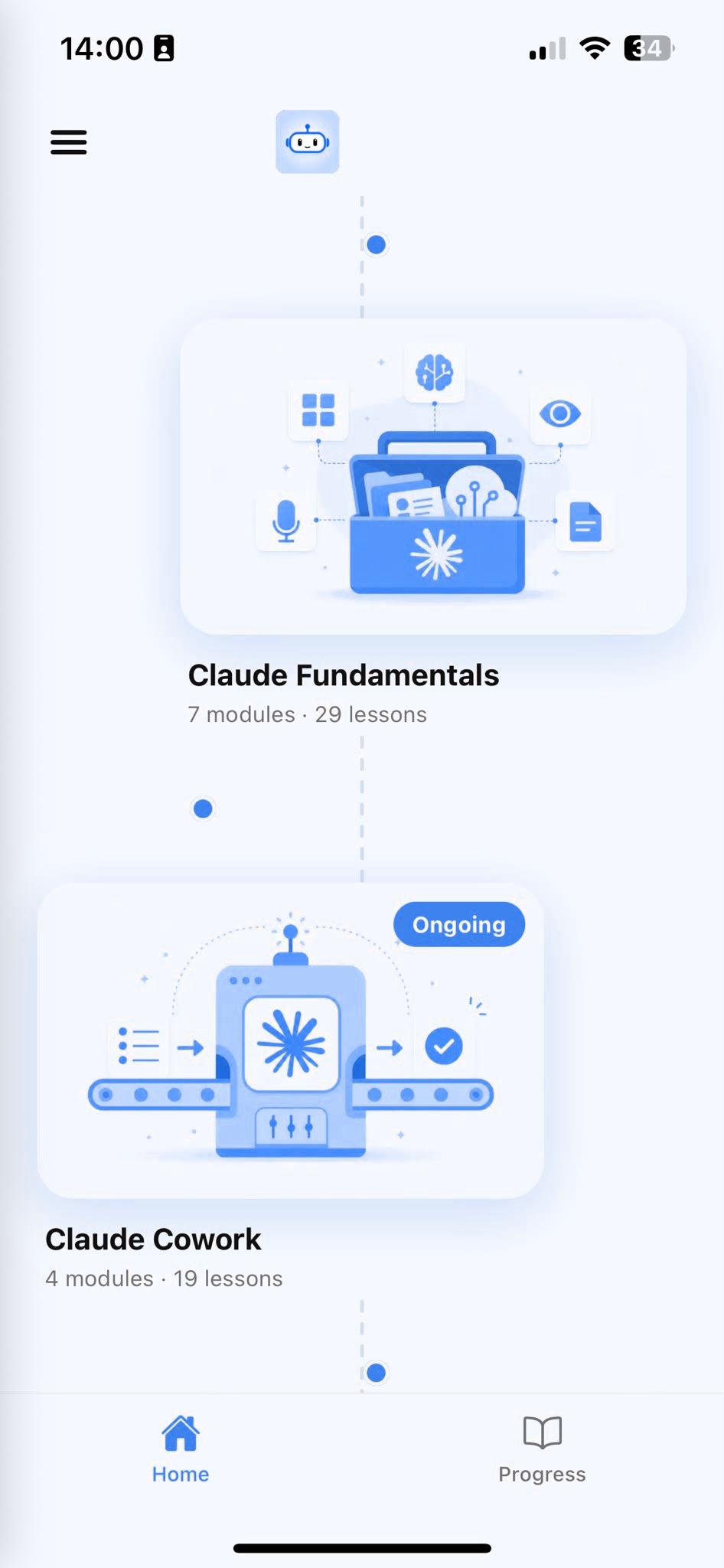
Browse Courses
Choose what to learn from a structured library of AI lessons.
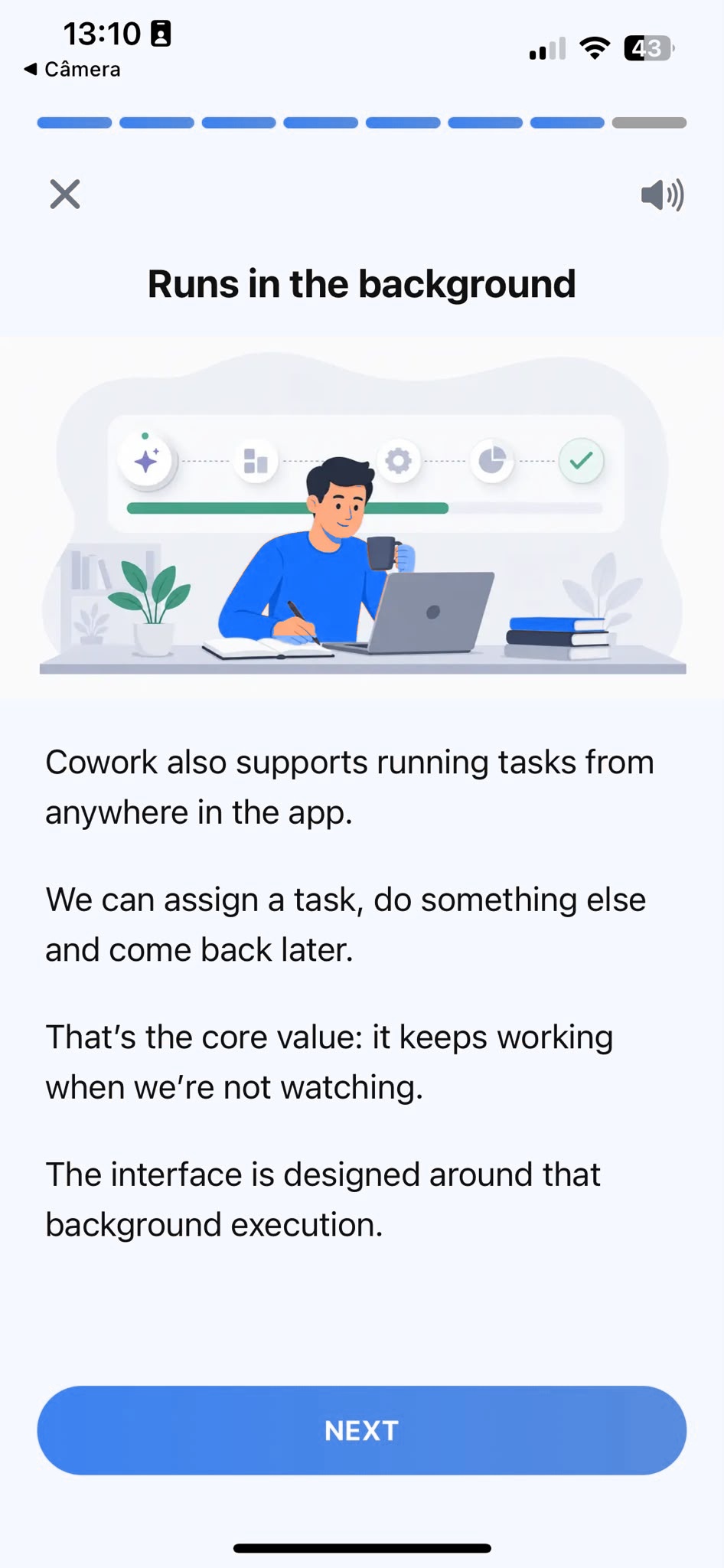
Learn
Short, focused lessons that build from fundamentals to real-world tasks.
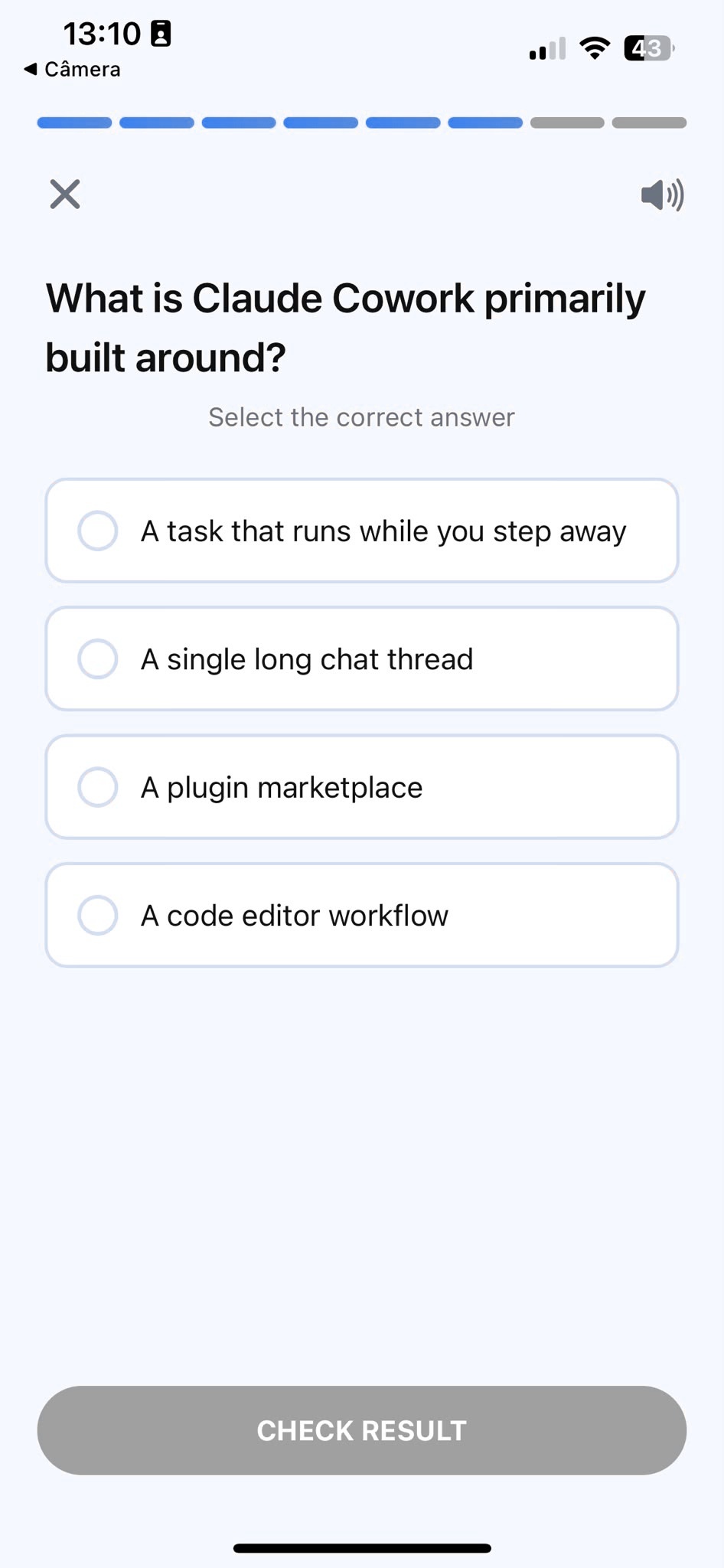
Quiz
Test your understanding right after each lesson, not at the end.
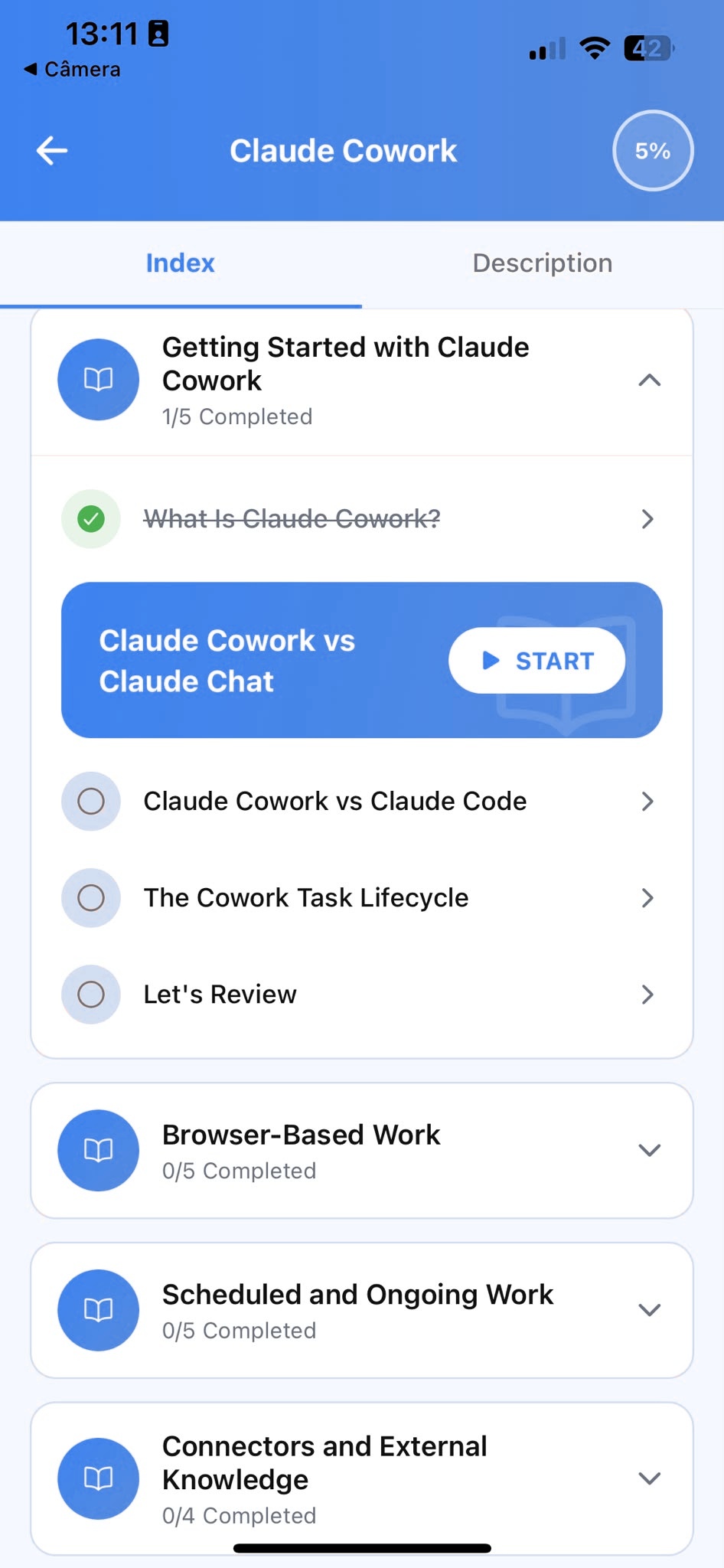
Track Progress
Pick up exactly where you left off, on any device, at any time.
Related articles
- Product Managers5 min read
Catch Your PRD's Gaps Before Reviewers Do
A process for testing a PRD's scope and edge cases with Claude before review, so the same clarifying questions stop showing up in every doc you send.
Read article - Product Managers5 min read
Release Notes vs. Stakeholder Updates, Same Feature
Turn one engineering changelog into user-facing release notes and a leadership update with Claude, instead of sending the same technical summary to both.
Read article - Product Managers5 min read
Prioritize Support Tickets by What Actually Recurs
Group support tickets with Claude into themes ranked by real frequency, so you prioritize the problem hitting the most users, not the loudest one.
Read article - Product Managers5 min read
Writing a PRD From a One-Line Feature Request
Turn a one-line feature idea into a structured first-draft PRD, problem, goals, requirements, and metrics, so nothing is missing when reviewers read it.
Read article - Product Managers5 min read
Writing a Roadmap Doc That Explains the Tradeoffs
Show the reasoning behind every roadmap ranking, not just the order, so stakeholders stop re-litigating priorities in every meeting.
Read article
Frequently Asked Questions
Do I need AI experience to start?
No. AI Learning is designed for people who have never used an AI assistant before. The course starts from the fundamentals and builds up to real product management tasks. If you already use one occasionally, the structured approach will still fill gaps and build more reliable habits.
How long does the course take to complete?
Most learners work through the core curriculum in two to four hours. The app is designed for short, focused sessions. A single lesson takes around ten minutes, so you can fit it into a working day without blocking off a half-day.
Will I learn to use AI specifically for product management?
AI Learning teaches AI fundamentals through examples product managers recognize: PRDs, feedback synthesis, roadmaps, and release notes. Every example is grounded in real product work, not generic productivity tips.
Can I use a free plan while taking the course?
Yes. Everything taught in the course works with the free plan most AI assistants offer. A paid plan gives you more usage, but it is not required to complete the lessons or apply what you learn.
What if the PRD doesn't match my team's format?
Give it more to work with. Paste in a PRD your team has used before, or describe your usual sections in a sentence, then ask the AI to match that structure going forward. The course shows you how to set this up once, the same way you'd share a template with a new hire, and reuse it in every prompt after that.
Start learning AI
Download AI Learning and start applying these techniques to your own specs and roadmaps.