For Teachers
Learn AI as a teacher.
A structured course that teaches AI fundamentals through tasks you already do: giving feedback on student work, writing lesson plans, turning quiz results into a summary of common misconceptions, building rubric-aligned assessments, and adapting one explanation for different skill levels.
What is AI?
An AI assistant is a tool built on a large language model. Unlike a static answer key or a basic chatbot, it can hold an entire lesson's context in mind across a long conversation, remembering the objective you set, the misconception a student keeps repeating, and the rubric you specified two messages ago. That matters for teaching work, where a lesson or piece of feedback rarely comes together in one pass. AI Learning teaches you how to work this way through real teaching tasks: giving feedback on student work, writing lesson plans, turning quiz results into a summary of common misconceptions, building rubric-aligned assessments, and adapting one explanation for different skill levels.
What teachers use AI for
- 01
Reviewing and giving feedback on student work
Paste in a student's essay or assignment and ask an AI assistant for specific feedback aligned to your rubric. Give it your usual grading criteria and it applies that consistently.
“Here's a 9th grader's five-paragraph essay on The Great Gatsby. Give feedback focused only on thesis clarity and evidence use, not grammar, and keep it to three specific, actionable notes.”
- Get feedback aligned to your rubric
- Focus on the skill you're grading
- Turn vague impressions into specific notes
- 02
Writing a lesson plan from a topic and objective
Describe the topic and what students should be able to do by the end, and let the AI structure a lesson plan: objective, activities, and a check for understanding. Refine the pacing through conversation until it fits your class period.
“I'm teaching photosynthesis to 7th graders in a 45-minute period. Draft a lesson plan with one clear objective, two activities, and a 5-minute exit-ticket question to check understanding.”
- Start from a paced structure
- Hit your actual class length
- End with a way to check it landed
- 03
Turning quiz results into a summary of common misconceptions
Paste in a batch of student answers or quiz results and ask an AI assistant to group them into the most common misconceptions. Use the patterns to decide what to reteach, not just who got it wrong.
“Here are 28 students' short answers to 'why do seasons change.' Group the incorrect answers into the two or three most common misconceptions, and quote one representative answer for each.”
- Spot patterns across a whole class fast
- Ground each misconception in a real answer
- Know what to reteach, not just who struggled
- 04
Building a rubric-aligned assessment
Describe the lesson content and what you want to assess, and let the AI draft a quiz or assignment with a rubric that matches your grading criteria. Adjust question difficulty and rubric wording through conversation.
“Build a 5-question quiz on the causes of World War I for 10th graders, with a rubric that scores each answer on accuracy and use of at least one specific example.”
- Get questions and rubric together
- Match your actual grading criteria
- Cover the content at the right difficulty
- 05
Adapting one explanation for different skill levels
Take an explanation you've already written and ask an AI assistant to adapt it into a simplified version for students who are struggling and an extended version for those ready to go further. Same core concept, reshaped for where each student actually is.
“Here's my explanation of photosynthesis for a general audience. Adapt it into a simplified version using no scientific vocabulary, and an extended version that introduces the role of chlorophyll at the molecular level.”
- One concept, several entry points
- Reach struggling and advanced students at once
- Keep the core idea consistent across versions
How you'll learn
AI Learning walks you through the fundamentals step by step, with structured lessons, practice quizzes, and a progress tracker so you always know where you stand.
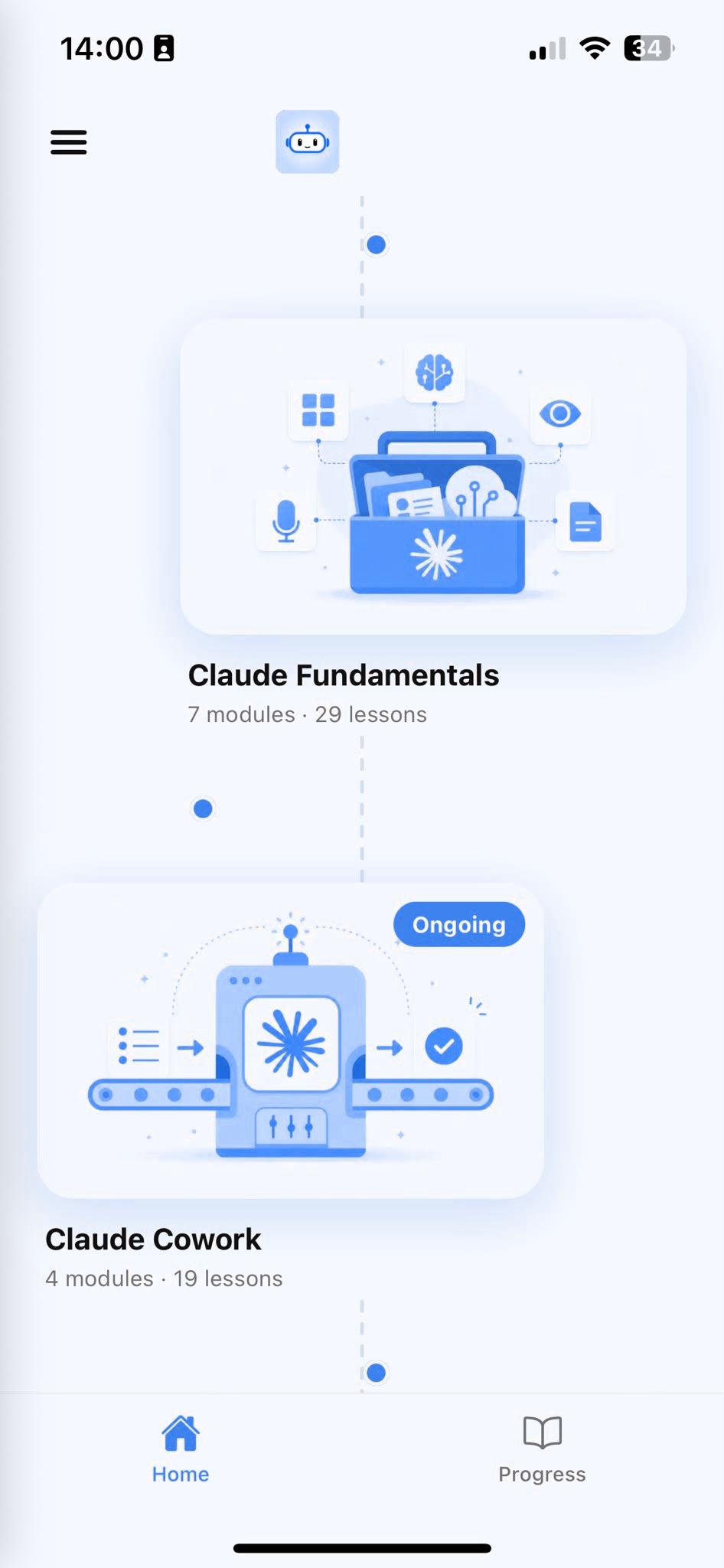
Browse Courses
Choose what to learn from a structured library of AI lessons.
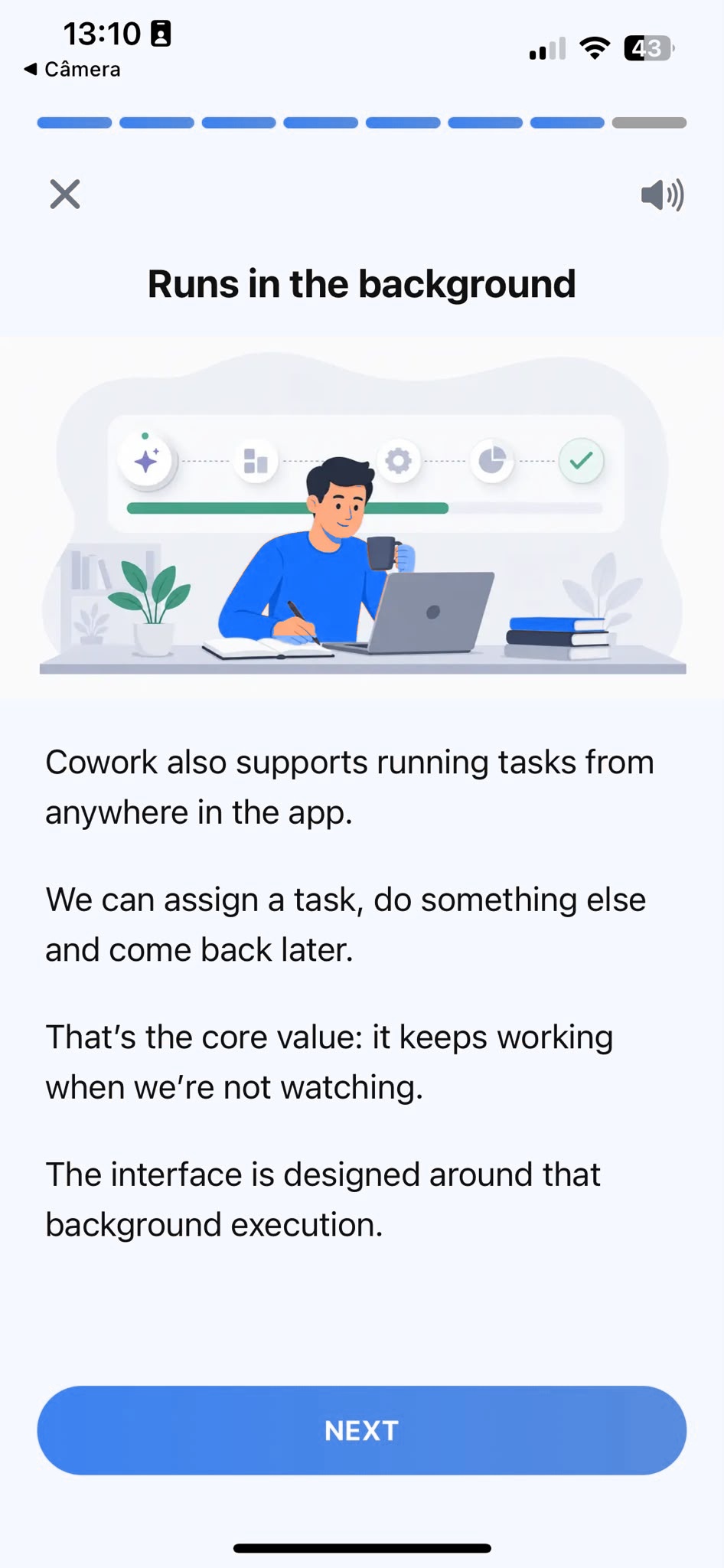
Learn
Short, focused lessons that build from fundamentals to real-world tasks.
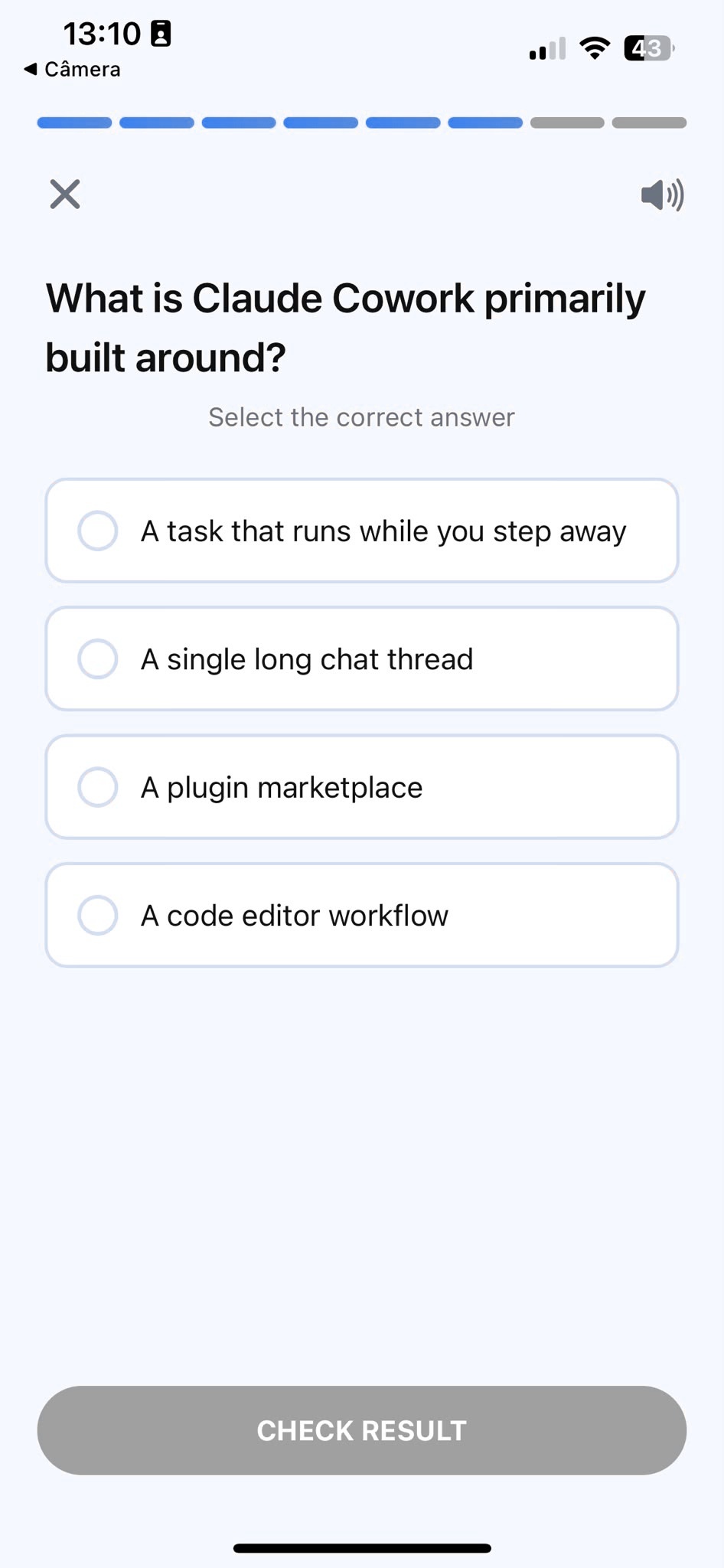
Quiz
Test your understanding right after each lesson, not at the end.
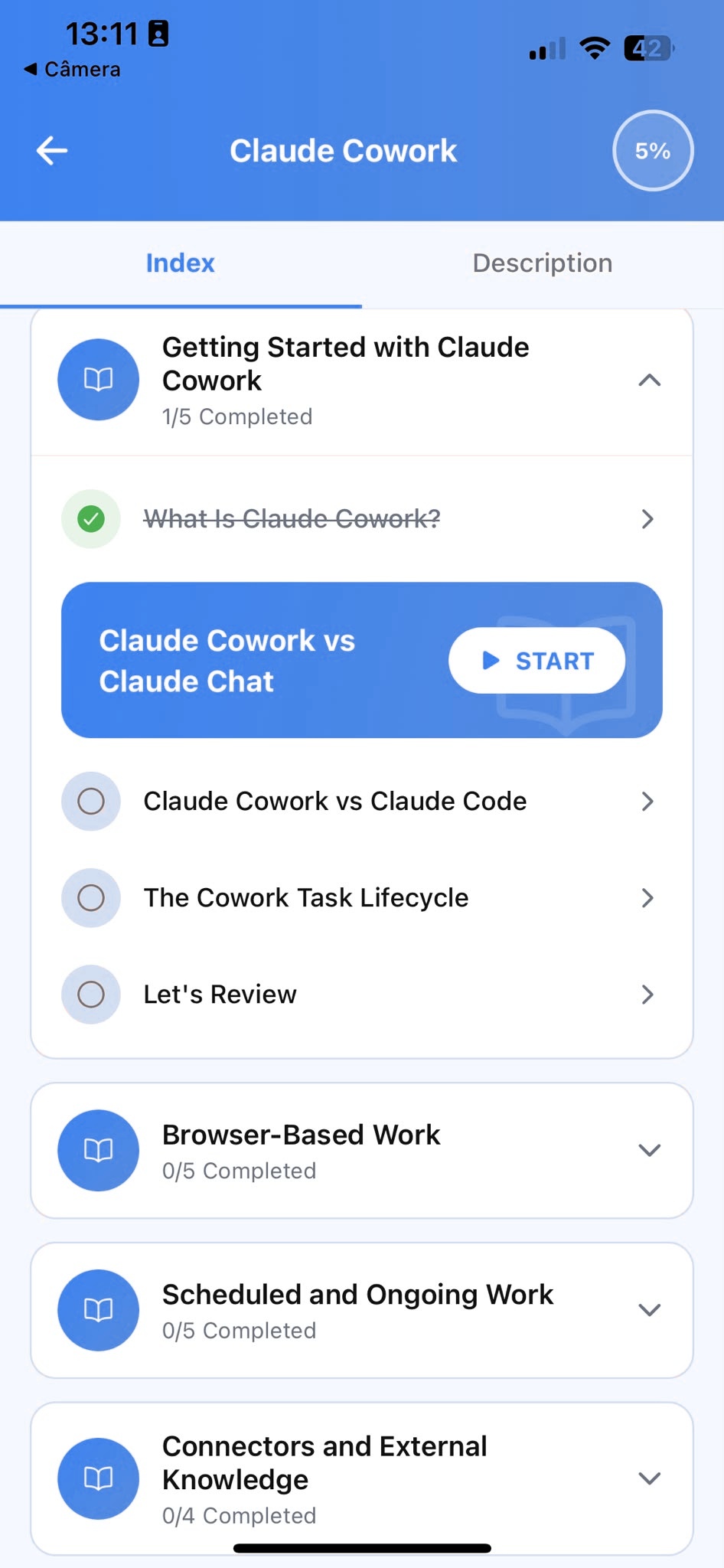
Track Progress
Pick up exactly where you left off, on any device, at any time.
Related articles
- Teachers6 min read
How to Differentiate One Lesson with Claude
Turn one lesson explanation into a simplified and extended version with Claude, so struggling and advanced students both get material that fits them.
Read article - Teachers6 min read
Build a Quiz and Rubric That Match What You Taught
Draft a quiz and its rubric together with Claude from your actual lesson content, so questions test what you taught, not a generic bank.
Read article - Teachers5 min read
Give Student Feedback That Names the Real Issue
Use Claude to draft feedback that states the actual problem clearly, so the one note a student needed to hear doesn't get buried in a praise sandwich.
Read article - Teachers5 min read
Quiz Results Reveal What to Reteach, Not Who Failed
Group a class's quiz answers with Claude into shared misconceptions, so you reteach the real gap instead of grading each wrong answer in isolation.
Read article - Teachers5 min read
Writing a Lesson Plan That Fits the Time You Actually Have
Build a lesson plan paced to your real class time, not your wish list, so you stop rushing the ending or cutting content live in front of the room.
Read article
Frequently Asked Questions
Do I need AI experience to start?
No. AI Learning is designed for people who have never used an AI assistant before. The course starts from the fundamentals and builds up to real teaching tasks. If you already use one occasionally, the structured approach will still fill gaps and build more reliable habits.
How long does the course take to complete?
Most learners work through the core curriculum in two to four hours. The app is designed for short, focused sessions. A single lesson takes around ten minutes, so you can fit it into a working day without blocking off a half-day.
Will I learn to use AI specifically for teaching?
AI Learning teaches AI fundamentals through examples teachers recognize: student feedback, lesson plans, assessments, and differentiated explanations. Every example is grounded in real classroom work, not generic productivity tips.
Can I use a free plan while taking the course?
Yes. Everything taught in the course works with the free plan most AI assistants offer. A paid plan gives you more usage, but it is not required to complete the lessons or apply what you learn.
What if the feedback doesn't match how I actually grade?
Give it more to work with. Paste in your actual rubric, or a past piece of feedback you gave that felt right, then ask the AI to match that standard going forward. The course shows you how to set this up once, the same way you'd calibrate with a co-teacher, and reuse it in every prompt after that.
Start learning AI
Download AI Learning and start applying these techniques to your own lessons and feedback.