The Complete Beginner's Guide to Grok (2026)
By AI Learning · Last updated September 18, 2026
You’ve probably tapped the Grok icon under a post on X once or twice and never thought about it again. This guide exists for the part most people never get to: what Grok actually is as a full standalone assistant, how it compares to ChatGPT, Claude, and Gemini, and how features like Think mode, DeepSearch, and Grok Imagine turn it into something you genuinely rely on.
What You'll Learn
You don't need to read this whole guide to know it's worth reading. Here's exactly what you'll walk away with:
Understand what Grok actually is, past "the AI on X"
Know when to reach for Grok over ChatGPT, Claude, or Gemini, and when it genuinely doesn't matter
Understand Think mode, DeepSearch, and Grok Imagine without the marketing copy
Know which of Grok's personality modes are free and which need a subscription
Use Grok directly inside X, not just at grok.com
Know exactly where to go next once you're through this page
Here's the shape of the journey ahead:
Getting Started
Try Grok immediately and see what it actually is
Understanding Grok
What it is, how it compares, what it can't do
What Grok Can Actually Do
Think mode, DeepSearch, personalities, Imagine, X
Practical Workflows
Real prompts, real mistakes, deep research
Going Further
Frameworks, privacy, and Grok for your profession
Continue Learning
FAQ, and exactly where to go next
Quick Start
Reading about a tool and using it are different things. Before any explanation, try Grok once, so everything after this is grounded in something you've actually seen.
- 1
Go to grok.com
Sign up with an email address, Google, or Apple account. An X account isn't required for the standalone app, and the free plan covers everything in this Quick Start.
- 2
Paste this prompt
Copy the prompt below exactly as written. It works with anything as the "document," so don't overthink it yet.
- 3
Upload a simple document
Any PDF, email, or text file on your computer works: a lease, a receipt, an old assignment. Attach it with the paperclip icon before sending.
- 4
Read the result
Notice that Grok answers using the actual content of your file, not a generic response. That's the entire point of this exercise.
Read the document I've attached and tell me, in three sentences, what it's actually about and who it seems to be written for.
”That's it. You've just watched Grok do something a search engine structurally can't: read something specific to you and answer a specific question about it. Everything from here explains why that worked, and what else it can do that has nothing to do with the version most people have only glimpsed on X.
Note
If that felt useful, know it's the simplest thing Grok does. Later in this guide you'll see it reason through a hard question step by step, generate a short video with synced sound from a text description, and explain a post you're reading without leaving X.
Why Learning Grok Matters Right Now
Grok has an image problem that's specific to it among the assistants in this series: most people who've heard of it have only ever seen it as a small icon under a post on X, used once to ask "is this true" and never touched again.
That's a fraction of what it actually is. Grok is a full standalone AI assistant with its own app and website, built by xAI, and its presence inside X is genuinely one part of a bigger product, not the whole thing. It reasons through hard problems step by step, researches a question across the live web on its own, generates images and short videos from a description, and holds a real spoken conversation, all separate from anything you'd notice scrolling your timeline.
The other thing worth knowing early: Grok was built with a more opinionated, less filtered personality than most AI assistants ship with by default, and that's not an accident or a rough edge, it's a deliberate design choice you can lean into or dial back depending on what you're doing. Knowing that going in saves you the surprise of a blunter answer than you might expect from an assistant, and helps you use that directness on purpose instead of being caught off guard by it.
What Is Grok?
Grok is xAI's AI assistant, the company Elon Musk founded in 2023, and it's closely tied to X: your X account can sign into Grok directly, and Grok has its own dedicated surface inside the X app. It also stands entirely on its own, with a separate app and website at grok.com that don't require an X account at all.
xAI ships new model versions at a fast pace, and which specific version answers a given question isn't something you need to track closely. What matters more day to day is the mode you pick: a quick conversational answer, Think mode for a problem that benefits from working through it step by step, or DeepSearch for a question that needs actual research across current sources, all covered properly later in this guide.
Do you need to pick a model?
Not really, day to day. What you're actually choosing between is a mode, quick chat, Think, or DeepSearch, rather than a specific model name. Start with a plain conversation and reach for Think or DeepSearch only once a question genuinely calls for it.
Like any modern AI chat tool, Grok holds a conversation in mind rather than answering each message cold: ask a follow-up and it remembers the file you uploaded or the constraint you mentioned two messages ago. That baseline is shared with Claude, ChatGPT, Gemini, and Copilot. What's specific to Grok is the rest of it: a real, if imperfect, sense of what's happening right now because it can read public posts on X, a choice of personalities rather than one fixed voice, and Grok Imagine, its own image and video generator with synced audio, a combination none of the other assistants in this series currently offer.
Grok vs. ChatGPT, Claude, and Gemini
If you've read the other guides in this series, you've seen the same honest pattern each time: no single winner, specific strengths that matter for specific situations.
Choose Grok if
- You want an assistant with a genuine sense of what's trending on X right now
- You want a more direct, less hedged answer, and you're comfortable choosing a bluntness level yourself
- You want image and short-video generation with synced sound in the same app
Choose ChatGPT, Claude, or Gemini if
- You want a large public library of ready-made custom assistants to try or build
- Tone and voice matter for something with your name on it, like a piece you'll actually publish
- You want the deepest integration with a different ecosystem, like Google Workspace or Microsoft 365
| Area | Grok | ChatGPT, Claude, and Gemini |
|---|---|---|
| Sense of "right now" | Strong, grounded in live public posts on X | Depends on an explicit web search step |
| Personality | You choose a style: default, more playful, or noticeably more blunt | Mostly one consistent voice, with less built-in range |
| Image and video | Generates both, including short video with synced audio | ChatGPT and Gemini generate images; video generation is far more limited or absent |
| Custom assistants | Not available for personal accounts | ChatGPT's Custom GPTs and Gemini's Gems both let you build your own |
| Ecosystem depth | Deepest inside X | Deepest inside Google's, Microsoft's, or a general-purpose workflow |
In practice: ask Grok what people are actually saying about a live event right now, and it can draw on real posts from X directly. Ask it to build you a reusable, specialized assistant the way you could with a ChatGPT Custom GPT or a Gemini Gem, and there's currently no personal-account equivalent. Plenty of people run more than one assistant: Grok for anything touching current events or X itself, another tool for tasks its ecosystem happens to fit better.
Chats and Context: What Grok Remembers
Like any AI chat tool, everything you say inside one Grok conversation stays available for the rest of that conversation: a file you uploaded, a constraint you mentioned two replies ago. Close it or start a new chat, and that specific context resets, though your chat history itself is still saved and reachable later unless you delete it.
One thing worth knowing early: Grok's sense of "now" doesn't only come from what you've told it. Because it can read public posts on X, it often already has a rough sense of a fast-moving topic before you've explained anything about it, which is a genuinely different starting point than Claude, ChatGPT, or Gemini's regular chat behavior. That's useful for current events and can be a liability for anything where you specifically want an answer built only from what you've given it, worth keeping in mind rather than assuming either way.
A rough rule that works
Start a new chat when the topic genuinely changes, not just when the conversation gets long. And if you want a conversation that leaves no trace at all, not in your history, not used for training, Private Chat mode, covered later in this guide, is built for exactly that.
What Grok Can't Do (Yet)
A guide that only tells you what a tool is good at isn't trustworthy, it's marketing. Here's where Grok genuinely falls short, stated plainly.
It can state something incorrect with complete confidence, especially on obscure facts, exact figures, and citations
It can't build a personal, reusable custom assistant the way ChatGPT's Custom GPTs or Gemini's Gems can
DeeperSearch and several of the voice personality styles require a SuperGrok subscription, they aren't part of the free plan
Reading live X posts helps with current events, but it isn't a fact-checking guarantee, treat anything specific the same way you would from any other source
It can't take real action in the world on its own, sending a message, posting something, unless you explicitly do that part yourself
If you've heard of Grok's animated Companions
xAI previously offered animated companion characters, including one called Ani, inside the Grok app. They were discontinued in September 2026, so if you've seen older articles mentioning them, that feature no longer exists.
A concrete example: ask Grok about a very recent, still-developing story, and even with X grounding, early reports are often incomplete or contradictory in the first few hours.
On a fast-developing story, illustrated
That's not a rare glitch, it's a predictable consequence of reasoning from information that's still actively changing, and expecting it up front is far more useful than being caught by it later. Treat any specific number, date, or citation Grok gives you as a claim worth a second look, not a settled fact, especially when getting it wrong would actually cost you something.
Ready to get more out of Grok?
Everything you’ve read so far gives you the foundations.
If you’d rather learn by practicing than by reading, AI Learning turns these same concepts into structured lessons, quizzes, and guided learning paths designed to help you build real confidence using Grok.
How you'll learn
Learn Grok one concept at a time through structured lessons, practical examples, quizzes and guided learning paths.
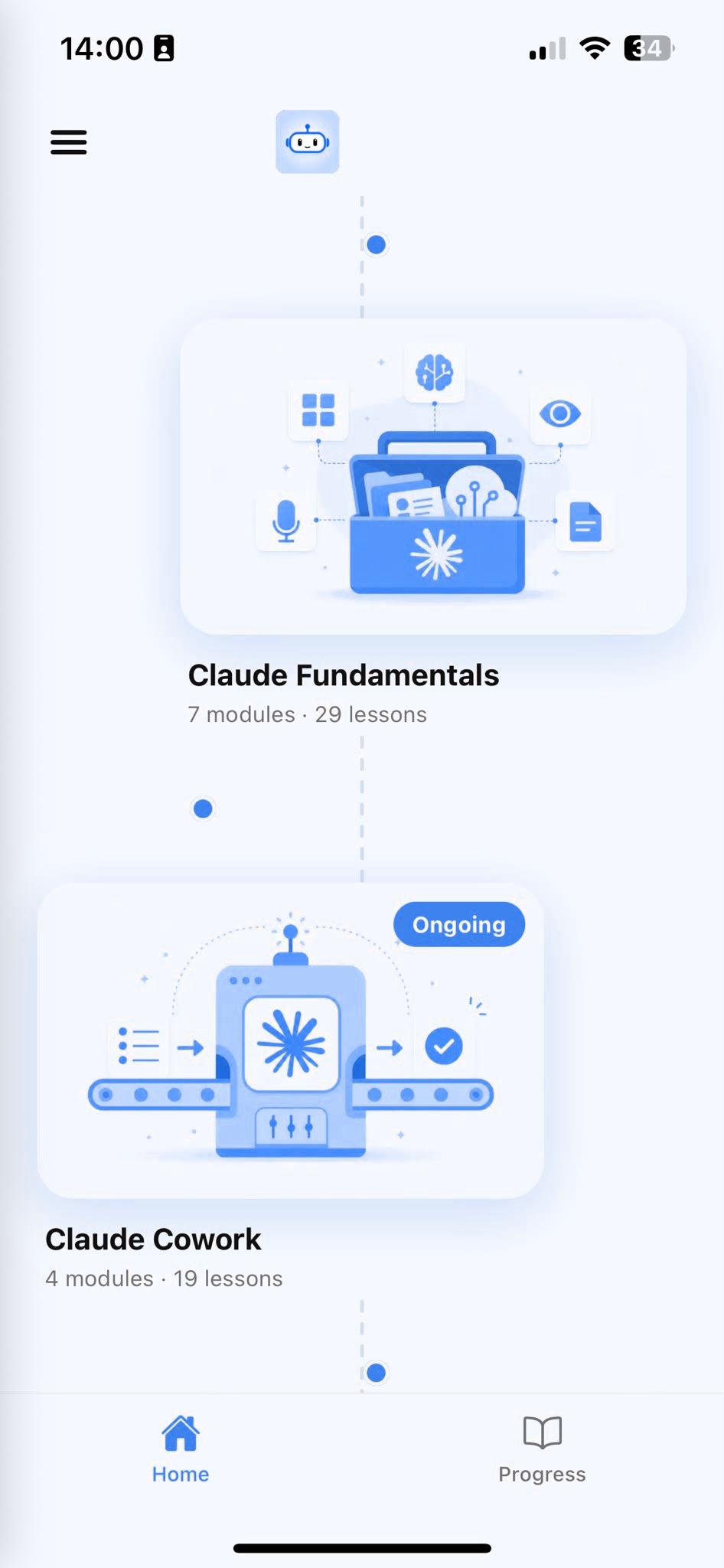
Browse Courses
Choose what to learn from a structured library of AI lessons.
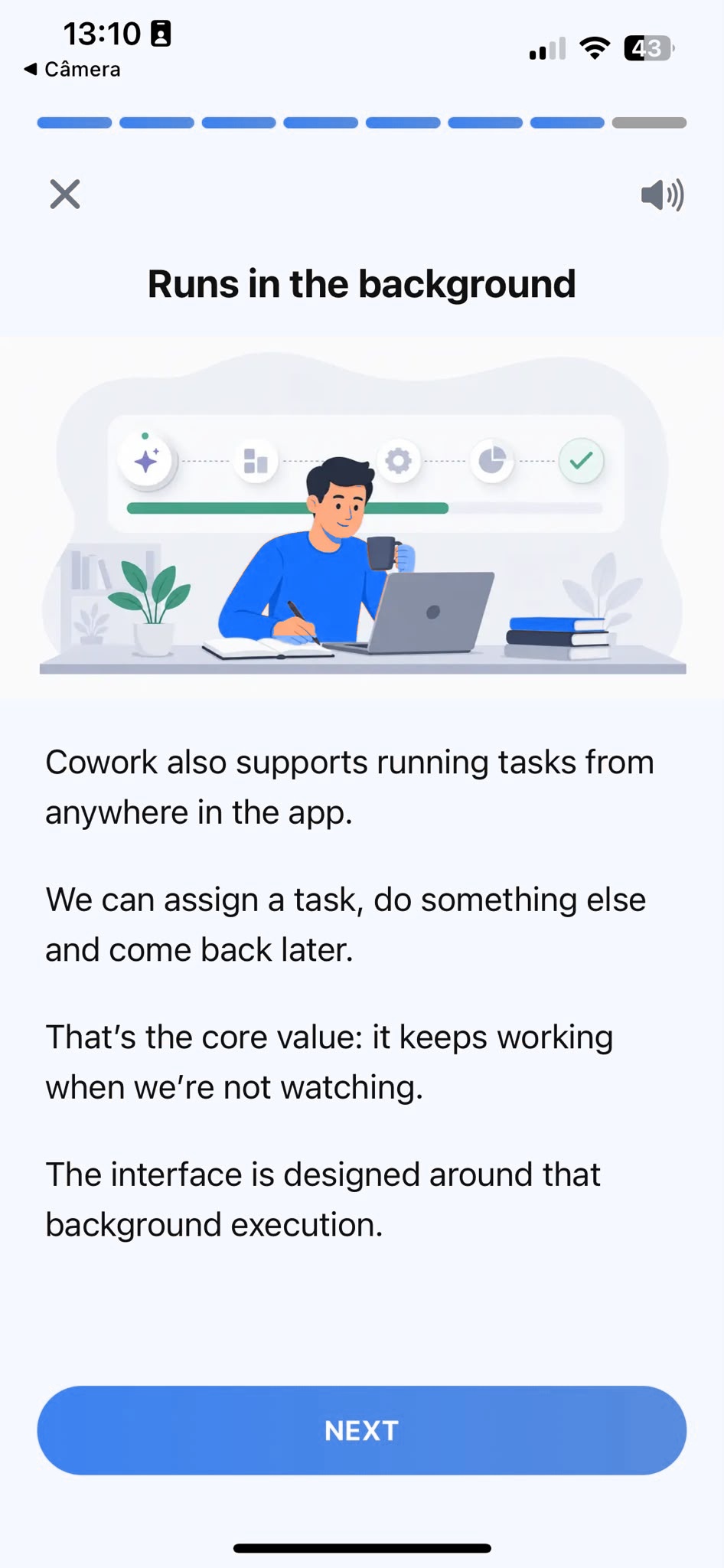
Learn
Short, focused lessons that build from fundamentals to real-world tasks.
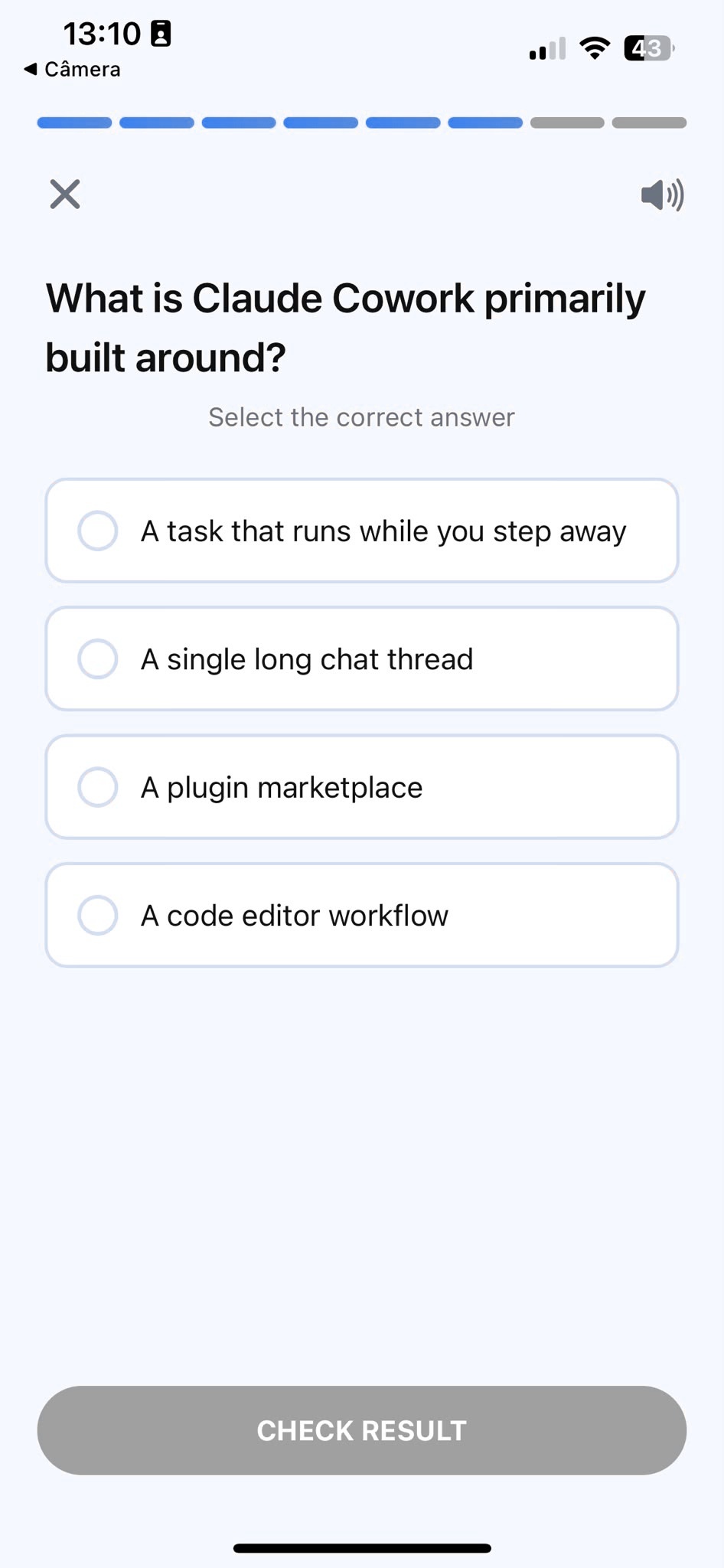
Quiz
Test your understanding right after each lesson, not at the end.
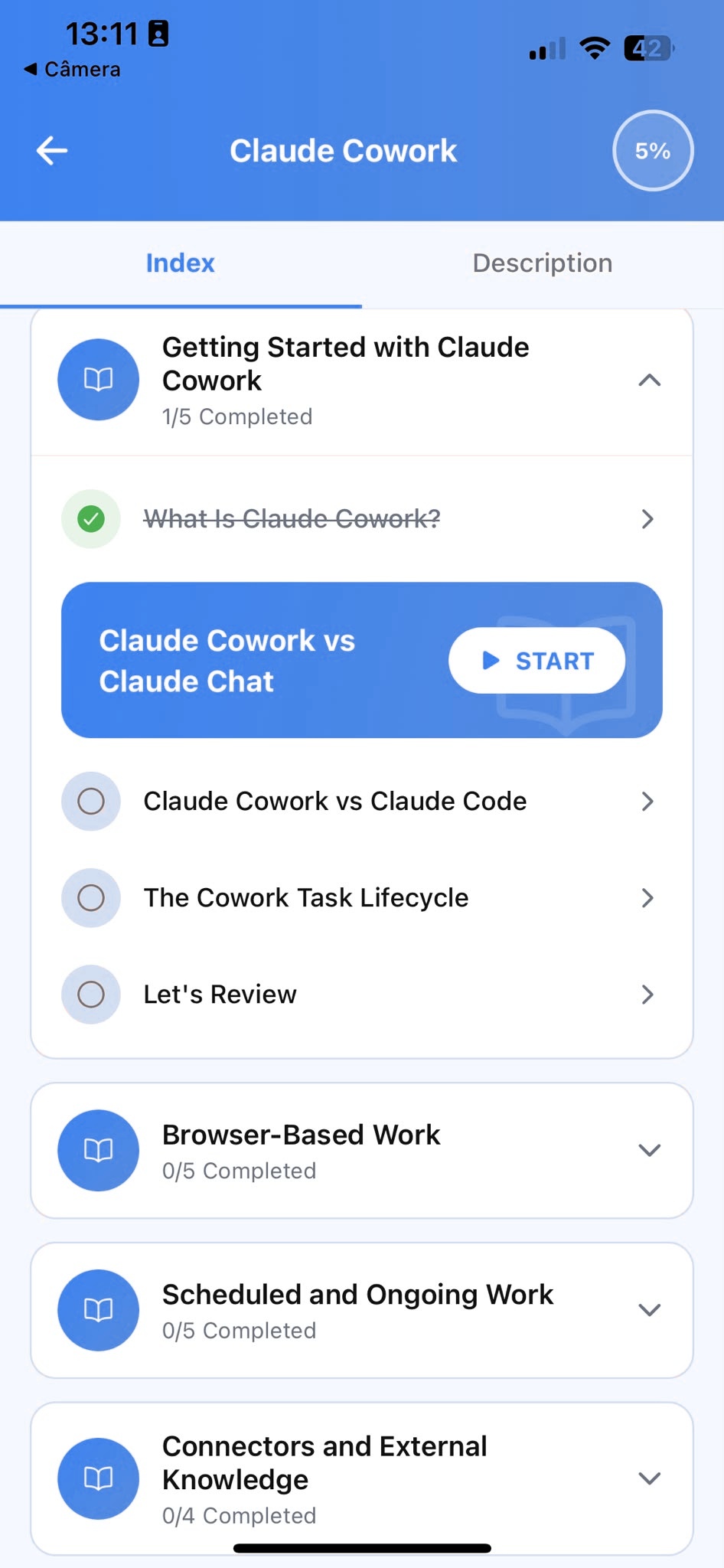
Track Progress
Pick up exactly where you left off, on any device, at any time.
How Grok Actually Works
Most explanations of Grok lead with feature names, Think, DeepSearch, Imagine, before explaining what problem any of them solves. That teaches vocabulary, not judgment. Here's the reverse: the actual escalation first, then the names that go with each step.
A plain conversation already understands what you've told it
Everything in the current chat stays available: an uploaded file, a constraint from three messages ago, a correction you made once.
It can work through a hard problem step by step instead of guessing
Think mode reasons through a question in stages before answering, with the reasoning itself visible if you want to check it.
It can research a question across current sources on its own
DeepSearch plans an approach, searches the web and X, and comes back with a synthesized answer and sources.
You can talk to it out loud instead of typing
A real spoken conversation, with a choice of voice and, on paid plans, a choice of personality for that voice.
It can generate an image or a short video from a description
Grok Imagine turns a text prompt into a picture, or a short video with synced sound, not just a silent clip.
That's a natural progression, from the simplest way of using Grok to the most involved:
A single conversation
SimplestEverything lives in one chat. No setup, and it already covers most everyday questions.
Think or DeepSearch
More thoroughReach for these once a question needs careful reasoning or real research, not a quick answer.
Voice or Imagine
Different mediumMove past text entirely: a spoken conversation, or an image and video generated from a description.
Those ideas have official names inside Grok:
- Working through a question in visible, deliberate stages before answering is Think mode. Turn it on for anything that benefits from careful reasoning, comparing options with real tradeoffs, working through a tricky problem, not a quick factual question.
- Researching a question across current sources on its own is DeepSearch, a research agent that plans an approach, searches the web and X, and returns a synthesized answer. A more thorough version, DeeperSearch, runs more iterations and digs further into linked sources, but requires a SuperGrok subscription.
- A real-time spoken conversation is Voice. Free accounts get a real voice conversation; SuperGrok and X Premium subscribers can additionally pick from a range of personality-flavored voices for that conversation.
- Generating an image or a short video from a written description is Grok Imagine, built on xAI's Aurora model. Free accounts can try both with real usage limits; paid tiers raise those limits and add higher resolution video.
Here's why the order matters. Think and DeepSearch cost you nothing extra to try and are worth reaching for the moment a question feels bigger than a quick answer. Voice and Imagine are a different kind of upgrade entirely, not a "more advanced" version of chat, but a different medium for a different kind of task.
None of this is required to get real value out of Grok. A single well-used conversation, no Think, no DeepSearch, already covers most of what this guide teaches. These matter once a specific question or task actually calls for them.
Grok's Personality Modes
This is the feature with no real equivalent anywhere else in this series. Most AI assistants ship with one consistent voice. Grok lets you choose.
Default
Straightforward and direct, without much added flair. The safest choice for most everyday tasks.
Fun Mode
A lighter, more playful, more casual version of the same assistant, still helpful, just less formal.
Unhinged Mode
Considerably more blunt, sarcastic, and opinionated. Built for debate, brainstorming, or when you specifically want an unfiltered reaction.
Other novelty personas
A handful of themed personalities exist too, built more for entertainment than everyday task help.
Switch between them in Settings, or in the personality selector where you'd normally pick a voice. Text-based personality switching is broadly available; the matching spoken voice personalities are limited to X Premium and Premium+ subscribers, so a free account can still change how Grok writes, just not necessarily how a voice conversation sounds.
Note
None of these change what Grok knows, only how it talks. Switching to Unhinged Mode for a brainstorm doesn't make the underlying answer more or less accurate, it changes the tone it's delivered in.
Tip
Default mode is the right choice for anything you're using for real work. Save the more opinionated personalities for brainstorming, debate practice, or just seeing a familiar question answered from a very different angle.
Grok on X: Ask Grok and Beyond
This is the closest thing Grok has to a Files-and-ecosystem chapter, and it doesn't look like the equivalent chapter in any other guide in this series, because no other assistant here is built into a live social platform the same way.
Ask Grok on a post
Tap the Grok icon under a post in the X app to ask about it directly: what it means, whether it checks out, or what the reaction has been.
Explaining a trending topic
Ask Grok what's actually going on with something trending, and it can summarize the situation using real, current posts.
A separate xAI project worth knowing
Grokipedia, an AI-written encyclopedia xAI built separately from Grok itself, is a related but distinct product, not a Grok feature.
What's the actual context behind this post? Summarize what's being argued and whether the central claim holds up.
”The practical upside is real: for anything tied to a live conversation happening right now, you don't need to leave the app or explain the background yourself, Grok already has a rough sense of it. The practical downside is the same one from the "why this matters" chapter earlier: it's easy to only ever meet Grok this way, in small, scattered moments under individual posts, and never realize the same assistant has a considerably deeper conversation waiting at grok.com.
Grok Imagine: Images and Video
Worth its own space, since this is one of the more distinctive things Grok can do compared to the rest of this series.
Describe an image and Grok generates it, then lets you ask for specific changes the same way you'd revise a paragraph of text. What goes further is Grok Imagine's video generation: describe a short scene and it can produce a brief video clip with synchronized audio, dialogue, ambient sound, sound effects, built in rather than added afterward.
Generate a short video of a quiet coffee shop in the rain, with soft ambient café noise and rain against the window.
”Note
Free accounts can try both image and video generation, with real limits on how much and how fast. Paid tiers raise those limits and add higher resolution video.
Tip
Treat the first result as a rough draft, the same as you would a first paragraph of text. A specific change, "make the lighting warmer" or "add more people in the background", gets you further than starting over with a longer prompt from scratch.
Your First Real Conversation
Most first prompts sound like "is this true." That's not a bad instinct, it's just too little to work with, so Grok fills every gap with its safest, most generic guess. Watch what happens as the same request gets more specific.
Bad
Too generic"Is this true?" with a claim pasted in but no context on why it matters or what to check.
Better
Getting thereNames the specific claim and where it came from, but still leaves Grok guessing at how deep to go.
Excellent
Ready to trustAsks for the strongest counter-evidence specifically, not just a yes-or-no verdict.
Bad prompt: "Is this true? [pasted claim]"
Technically answerable, completely generic. Grok doesn't know why you're asking or how much scrutiny you actually want, so it defaults to a flat, hedge-everything answer.
Better prompt: "I saw this claim going around online today: [pasted claim]. What's actually being said about it?"
A real improvement. Now Grok knows this is a live, current claim worth checking against recent discussion, not a settled historical fact. It still doesn't know how skeptical to be, so it might just summarize both sides evenly.
Excellent prompt: "I saw this claim going around online today: [pasted claim]. Give me the strongest evidence against it specifically, not just a summary of both sides, and tell me if the original source actually said what's being quoted."
This version adds the two things that separate a good result from a great one: a specific angle, the strongest counter-evidence, rather than a flat overview, and a direct check on whether the quote is even accurate to begin with.
The excellent prompt, illustrated
Tip
The gap between "bad" and "excellent" isn't cleverer wording. It's two concrete additions: a specific angle instead of a flat request, and a direct check on the source itself. That pattern holds well beyond fact checking.
Once an answer is close, keep going rather than starting a new chat. Point at exactly what's unclear, "which part of that source actually supports the second claim," not "dig deeper", and Grok has something concrete to work from instead of guessing again.
The Biggest Beginner Mistakes
Every beginner makes some version of these. Knowing them ahead of time saves the two or three frustrating moments it usually takes to learn them the hard way.
Mistake 1: Only ever meeting Grok under posts on X
Assuming that's the whole product means missing Think mode, DeepSearch, Voice, and Grok Imagine entirely. The version under a post is a small fraction of what's actually there.
Mistake 2: Assuming DeeperSearch or voice personalities are free
DeeperSearch and the spoken personality voices require a SuperGrok or X Premium subscription. Regular DeepSearch and text-based personality switching are more broadly available.
Mistake 3: Treating X grounding as a fact-checking guarantee
Reading live posts helps with current events, but posts on X can be wrong or biased same as any other source. Treat it as a starting point, not a verdict.
Mistake 4: Looking for Companions that no longer exist
xAI's animated companion characters were discontinued in September 2026. Older articles describing them are no longer accurate.
Mistake 5: Accepting the first answer as final
The first response is a starting point, not the finished product. A specific correction on the exact part that's wrong gets you further, faster, than a full re-prompt from scratch.
Mistake 6: Trusting a confident answer you can't personally check
Grok states something wrong with exactly the same confidence as something right. Treat any specific number, date, or citation on an unfamiliar topic as worth verifying, not a settled fact.
Trying DeepSearch and Think Mode
Most of this guide is about a plain conversation. This is a hands-on look at the two features worth deliberately practicing, since neither is obvious from a blank chat box.
- 1
Pick a real question with a defensible right answer
Something that actually needs research or careful reasoning, not something you already know.
- 2
Turn on DeepSearch for a research question
Toggle it on, or start your message with "Use DeepSearch:", then ask something that needs current sources, not training data alone.
- 3
Turn on Think mode for a reasoning question
Use it for a decision with real tradeoffs. Open the "Thoughts" toggle afterward to see the actual reasoning steps, not just the final answer.
- 4
Compare the result to a plain conversation
Ask the same question without either mode first, then with it, so you can feel the actual difference instead of taking it on faith.
Use DeepSearch: What are the strongest arguments on each side of [a real, current debate], and which sources are actually making those arguments?
”I'm deciding between two job offers with different pay, growth potential, and commute times. Use Think mode to walk through the actual tradeoffs before giving me a recommendation.
”Note
DeepSearch and Think both take longer than a normal reply. That's expected, they're built for depth, not speed, and the wrong tool for something you need an answer to in five seconds.
Your First Real Workflow: One Input, Many Outputs
The habits so far, better prompts, real feedback, are worth a lot alone. Chained together, they're worth considerably more. Here's what one messy input can become in a single sitting.
Say you've got a screenshot of a heated online debate you want to actually understand, not just react to: a central claim, several replies arguing past each other, and a couple of links nobody's actually clicked. Instead of manually untangling it, hand Grok the whole mess once and ask for all three.
Here's a screenshot of an argument I'm trying to understand: [attach image]. From this, give me three things: a neutral summary of what's actually being argued, a short list of the specific claims worth fact-checking, and a two-sentence version I could post as a calm reply.
”Input
A screenshot of an online argument
A central claim, scattered replies, links nobody's checked
Neutral summary
What's actually being argued, without picking a side
Claims worth fact-checking
A short, specific list, not a vague call to 'verify everything'
A calm reply draft
Two sentences, ready to post or ready to skip entirely
One input, three genuinely different, immediately usable outputs, from a single conversation instead of three separate ones. The next time a similar argument crosses your feed, you already know what to ask for, so it takes less specifying, not more.
Prompting Frameworks and Templates
You've seen specific examples by now. Here are two reusable structures for building your own prompts, so you're not starting from a blank page even when writing the prompt itself.
The Context-Task-Format framework. State the background Grok needs, the specific task, and the shape you want the answer in, in that order. It works for almost anything:
Context: I'm switching careers from teaching into instructional design and have three years of classroom experience but no formal ID background. Task: help me identify which of my existing skills translate directly. Format: five bullet points, one sentence each.
”The Role-Constraint framework. Give Grok a specific role to answer from, then name the hard limits on the output. The role shapes how it thinks; the constraints shape what comes out:
Act as a skeptical hiring manager reviewing this cover letter for a candidate with no direct experience in the field. Point out anywhere the letter oversells or sounds vague. Keep your feedback to four points, most important first.
”Neither is a rigid formula to fill in word for word. They're a checklist for what a strong prompt usually contains, so when a result falls flat, you can check which piece was actually missing.
- Real context Grok couldn't otherwise know
- A specific task, not a vague request
A format or constraint that actually shapes the output
One more habit worth building early: pasting in a real example of what you want usually beats describing it in the abstract. If you've got a past post or reply that landed well, share it and ask Grok to match its structure or tone.
Privacy and Data Controls
Worth knowing plainly, since most people never open these settings at all, and Grok's controls work a little differently depending on where you're using it.
On grok.com or the standalone app, go to Settings, Data Controls, to delete individual conversations or wipe everything at once, and to turn off "Improve the model" if you don't want future conversations used for training. Inside X, the same kind of control lives separately, under Privacy and Safety, Grok, where you can delete conversation history or turn off data sharing on that side specifically. They're separate settings because they're technically separate surfaces, even though both carry the Grok name.
Regular chats: saved to your history, reviewable and deletable at any time, individually or all at once
Private Chat mode: the ghost icon starts a conversation that skips your history, isn't used for training, and is removed from xAI's systems within about 30 days
Model training: on by default, but a separate opt-out you can turn off without deleting your existing history, this applies going forward, not retroactively
Tip
If you're using Grok inside X and on grok.com, check both privacy settings separately. Turning off data sharing in one doesn't automatically turn it off in the other.
None of this requires becoming a privacy expert. It requires knowing the settings exist and what each one actually does, which most people using Grok weekly currently don't.
Grok by Profession
Every profession above has slightly different beginner traps and slightly different first wins, which is exactly why generic advice about “using AI at work” tends to feel useless: a marketer’s biggest early mistake looks nothing like a lawyer’s, and the prompt that changes everything for a teacher does nothing for someone in sales.
The Learning Paths below take the fundamentals from this guide, better prompts, real feedback, chaining outputs together, and apply them to the specific tasks you already do in your actual job. Each card names one realistic use case, the mistake beginners in that field make most often, and one concrete thing to try today.
- Advanced
AI for Builders
A structured course that teaches AI fundamentals through real builder tasks: turning ideas into working prototypes, connecting an AI assistant to your own tools and data, working across a real codebase, and calling an AI provider's API directly.
- Use case:
- Making a multi-file code change with an AI coding tool instead of one file at a time.
- Common mistake:
- Treating an AI coding tool like autocomplete instead of giving it the full context of the change you actually want.
- Try this:
- Describe the feature you're building and ask the AI coding tool to plan the change across files before writing any of it.
5 guidesStart learning - Beginner
AI for Content Creators
A structured course that teaches AI fundamentals through real content creation tasks: scripts, captions, content ideas, calendars, and repurposing across platforms.
- Use case:
- Turning one video into a week of repurposed content without it feeling like copy-pasted text.
- Common mistake:
- Posting the same caption everywhere instead of reshaping it to how each platform is actually used.
- Try this:
- Paste your video description and ask the AI to adapt it into a Shorts script, a caption, and a newsletter blurb.
5 guidesStart learning - Beginner
AI for Entrepreneurs
A structured course that teaches AI fundamentals through real entrepreneur tasks: pitches, investor updates, customer insights, and strategic decisions.
- Use case:
- Comparing a bootstrapped and a funded path for the same idea before committing to either.
- Common mistake:
- Asking which path is "better" instead of which tradeoffs actually matter for your specific situation.
- Try this:
- Describe your idea and runway, and ask the AI to lay out what each path would actually require of you.
5 guidesStart learning - Intermediate
AI for Financial Planning
A structured course that teaches AI fundamentals through real financial planning tasks: budgeting, spending analysis, comparing financial decisions, and communicating your numbers clearly, whether that's to your household or your board.
- Use case:
- Turning a batch of expenses into a categorized analysis you can actually act on.
- Common mistake:
- Handing over raw numbers with no context on what decision the analysis needs to support.
- Try this:
- Upload a spending export and ask the AI to categorize it and flag the three biggest changes from last month.
9 guidesStart learning - Beginner
AI for HR
A structured course that teaches AI fundamentals through real HR tasks: job descriptions, policy drafts, interview evaluations, and internal announcements.
- Use case:
- Turning a rough headcount request into a job description that attracts the right candidates.
- Common mistake:
- Copying a generic job description template instead of grounding it in what the role actually needs.
- Try this:
- Describe the role in plain language and ask the AI to draft a job description with specific, real requirements.
3 guidesStart learning - Intermediate
AI for Lawyers
A structured course that teaches AI fundamentals through real legal tasks: contract review, client correspondence, case research summaries, and memo drafting.
- Use case:
- Reviewing a contract for the clauses that actually create risk, not a generic summary.
- Common mistake:
- Asking the AI to "summarize this contract" instead of asking it to find specific clause types.
- Try this:
- Upload a contract and ask the AI to find every clause that lets the other party change terms unilaterally.
4 guidesStart learning - Beginner
AI for Marketing
A structured course that teaches AI fundamentals through real marketing tasks: copy, research, briefs, and content strategy.
- Use case:
- Turning a rough campaign idea into a one-page brief your creative team can act on immediately.
- Common mistake:
- Asking for "better marketing copy" with no audience, goal, or constraint, then settling for the first generic draft.
- Try this:
- Paste your campaign goal and ask the AI to structure it into audience, message, channels, and a launch date.
10 guidesStart learning - Intermediate
AI for Product Managers
A structured course that teaches AI fundamentals through real product management tasks: PRDs, user feedback synthesis, roadmap prioritization, and release communication.
- Use case:
- Turning a one-line feature request into a PRD your engineering team can actually build from.
- Common mistake:
- Writing a roadmap doc that lists what's shipping without explaining the tradeoffs behind the order.
- Try this:
- Paste a feature request and ask the AI to draft a PRD that names the open questions, not just a filled-in template.
5 guidesStart learning - Beginner
AI for Sales
A structured course that teaches AI fundamentals through real sales tasks: outreach, follow-ups, call notes, objection handling, and proposals.
- Use case:
- Turning a messy discovery call into a one-page proposal a prospect actually reads.
- Common mistake:
- Sending a follow-up email that recaps the whole call instead of leading with the next step.
- Try this:
- Paste your call notes and ask the AI for a follow-up that opens with the single next action, not a recap.
6 guidesStart learning - Beginner
AI for Teachers
A structured course that teaches AI fundamentals through real teaching tasks: student feedback, lesson plans, assessment, and adapting explanations for every learner.
- Use case:
- Turning one lesson explanation into versions for both struggling and advanced students.
- Common mistake:
- Writing a lesson plan sized for the time you wish you had, not the time you actually have.
- Try this:
- Give the AI your topic and the exact minutes available, and ask for a plan that fits that window.
5 guidesStart learning - Beginner
AI Productivity
A structured course that teaches AI fundamentals through real productivity tasks: prioritizing your to-do list, turning meeting notes into action items, drafting email replies, and planning your week.
- Use case:
- Turning a messy to-do list into a plan you'll actually stick to this week.
- Common mistake:
- Asking the AI to prioritize a list with no sense of your real constraints or available hours.
- Try this:
- Paste your to-do list and your real available hours, then ask for a realistic day-by-day plan.
5 guidesStart learning
Inside AI Learning
This guide teaches Grok. AI Learning teaches everything else too.
Everything above works on its own, no app required. AI Learning is a separate app that turns skills like these into structured lessons, quizzes, and progress tracking, across Grok, ChatGPT, Claude, Gemini, and the other AI tools people actually use.
Frequently Asked Questions
Getting Started
What is Grok?
Grok is xAI's AI assistant. It has its own standalone app and website at grok.com, and a separate presence built into X, where it can answer questions about posts directly.
Is this Grok tutorial suitable for complete beginners?
Yes. This guide assumes zero prior experience with Grok or AI tools generally, and builds from the basics up to Think mode, DeepSearch, and Grok Imagine.
Do I need an X account to use Grok?
No. The standalone app at grok.com accepts sign-up with email, Google, or Apple. An X account is only needed to use Grok directly inside X.
Do I need to pay to use Grok?
No. The core chat experience, Think mode, DeepSearch, Voice, and basic image and video generation are available on the free plan, with usage limits. SuperGrok raises those limits and adds features like DeeperSearch.
Do I need any technical experience to start?
No. If you can send a text message, you already have the only skill this requires. Everything here assumes zero prior AI experience.
Can I use Grok on my phone?
Yes, through the Grok app on iOS and Android, or inside the X app. Everything in the Quick Start works the same way on a phone.
Grok vs. Other AI Tools
Is Grok better than ChatGPT, Claude, or Gemini?
Neither is universally better. See the comparison earlier in this guide for where each genuinely has an edge; the honest answer depends on the specific task.
Can I use Grok alongside ChatGPT, Claude, or Gemini?
Yes, and plenty of people do. There's no conflict or lock-in between them; using each for what it's better at is a completely normal setup.
Does Grok have access to the internet?
Yes. It can read public posts on X for a sense of current events, and DeepSearch runs an active research process across the wider web when you turn it on.
Is Grok the same thing as X?
No. X is the social platform; Grok is a separate AI assistant built by xAI that happens to be integrated into X, the same way Gemini is a separate product that's integrated into Google Search.
Prompting
Why does my first prompt never work well?
A short prompt gives Grok almost nothing to work with, so it fills the gaps with generic guesses. The fix is a more specific first message, not a cleverer one.
Should my prompts be long or short?
As long as they need to be to convey the situation, the goal, and any constraints, and no longer. A short prompt with real specifics beats a long one padded with filler.
Can I correct Grok if it gets something wrong?
Yes, and you should. Point at exactly what's wrong in your next message instead of starting a new chat. It keeps the context, so a targeted fix is faster than starting over.
Can I give Grok a role or constraint to answer from?
Yes. Asking it to respond as a specific kind of expert, or naming a hard limit on the output, shapes its answers meaningfully, especially for feedback and review tasks.
Think Mode, DeepSearch, and Personalities
What is Think mode?
A mode where Grok reasons through a question in visible stages before answering, useful for problems with real tradeoffs rather than a quick factual question.
What's the difference between DeepSearch and DeeperSearch?
DeepSearch is a research agent that searches the web and X and returns a synthesized answer. DeeperSearch runs more iterations and digs further into sources, but requires a SuperGrok subscription.
What is Unhinged Mode?
One of several personality styles you can switch Grok to, considerably more blunt and sarcastic than the default. It changes tone, not accuracy.
Are Grok's personality voices free?
Text-based personality switching is broadly available. The matching spoken voice personalities are limited to X Premium and Premium+ subscribers.
Whatever happened to Grok's Companions, like Ani?
xAI discontinued its animated companion characters in September 2026. If you've seen them mentioned in older articles, they're no longer part of the app.
Files, Images, and Video
Can Grok read PDFs and other documents?
Yes. Upload a file with the paperclip icon and ask a specific question against it, rather than a generic summary request.
Can Grok generate images?
Yes, through Grok Imagine, built on xAI's Aurora model. Free accounts can try it with real usage limits.
Can Grok generate video?
Yes, short video clips with synchronized audio, dialogue, ambient sound, and effects included. Paid tiers raise the resolution and usage limits.
Can I talk to Grok instead of typing?
Yes, through Voice, available on the free plan, with a wider choice of personality-flavored voices for X Premium and Premium+ subscribers.
Practical Use and Privacy
Can Grok help with tasks specific to my job?
Yes. See the Grok by Profession section above for real examples across marketing, sales, HR, teaching, finance, law, and more.
How do I know if Grok's answer is accurate?
Treat confident-sounding answers on specialized or high-stakes topics as a draft to verify, not a settled fact, especially anything involving numbers, citations, or legal and medical specifics.
Does xAI use my conversations to train Grok?
By default, yes, unless you turn off "Improve the model" in Data Controls. The opt-out applies to future conversations, not retroactively, and X has a separate version of this same setting.
What is Private Chat mode?
A conversation mode, the ghost icon, that skips your history, isn't used for training, and is removed from xAI's systems within about 30 days.
Do I need to know how to code to use Grok?
No. Everything in this guide, writing, research, planning, working with files and images, requires no coding at all.
Where to Go Next
This guide covers the fundamentals. For specific features and real jobs, AI Learning has a growing library of Grok-focused practical guides: the real difference between SuperGrok and X Premium, how to build a custom Grok Skill you’ll actually reuse, a full walkthrough of setting up Grok’s connectors, and dozens more covering specific features and specific jobs.
Browse the full guide library to see everything, or start with AI Essentials for the same fundamentals in a guided, tool-agnostic sequence.
You Know More Than You Did Before You Opened This Page
You’ve now done more to learn Grok than most people who’ve tapped its icon under a post a few times without ever opening a real conversation. That’s not a small thing, and it’s worth sitting with for a second before you close this tab and go back to whatever you were doing.
Everything in this guide, the comparison, the mistakes, the workflow, the frameworks, points at one underlying idea. That idea doesn’t change every time xAI ships a new model. Whatever Grok looks like a year from now, giving it real context, picking the right mode for the task, and correcting it like you would a capable colleague will still be what separates a flat result from a genuinely useful one.
Grok rewards specificity and a clear sense of which mode actually fits the question. Everything else in this guide is a variation on that one idea.
Reading this once won’t make any of it automatic, though. These habits become real through repetition on your own work, not through remembering that you read about them. The next claim you’re not sure about, the next messy set of notes you’re handed, the next question you’d normally just scroll past, that’s the actual practice.
If you want to keep building this deliberately rather than piecing it together from scattered posts and trial and error, that’s exactly what AI Learning is for: short, structured lessons and practice on real tasks, organized into paths for your specific kind of work, the natural next step after a beginner guide like this one. Start with AI Essentials for the fundamentals in a guided sequence, jump to your profession’s Learning Path if you already know what you’re here for, or browse the full guide library to explore at your own pace.
However you continue, you’re starting from a genuinely different place than where you began this page. That’s the whole point of this guide, and it’s yours now.
Editorial note: AI Learning is an independent educational resource. It is not affiliated with, endorsed by, or sponsored by xAI or X, the companies behind Grok.